


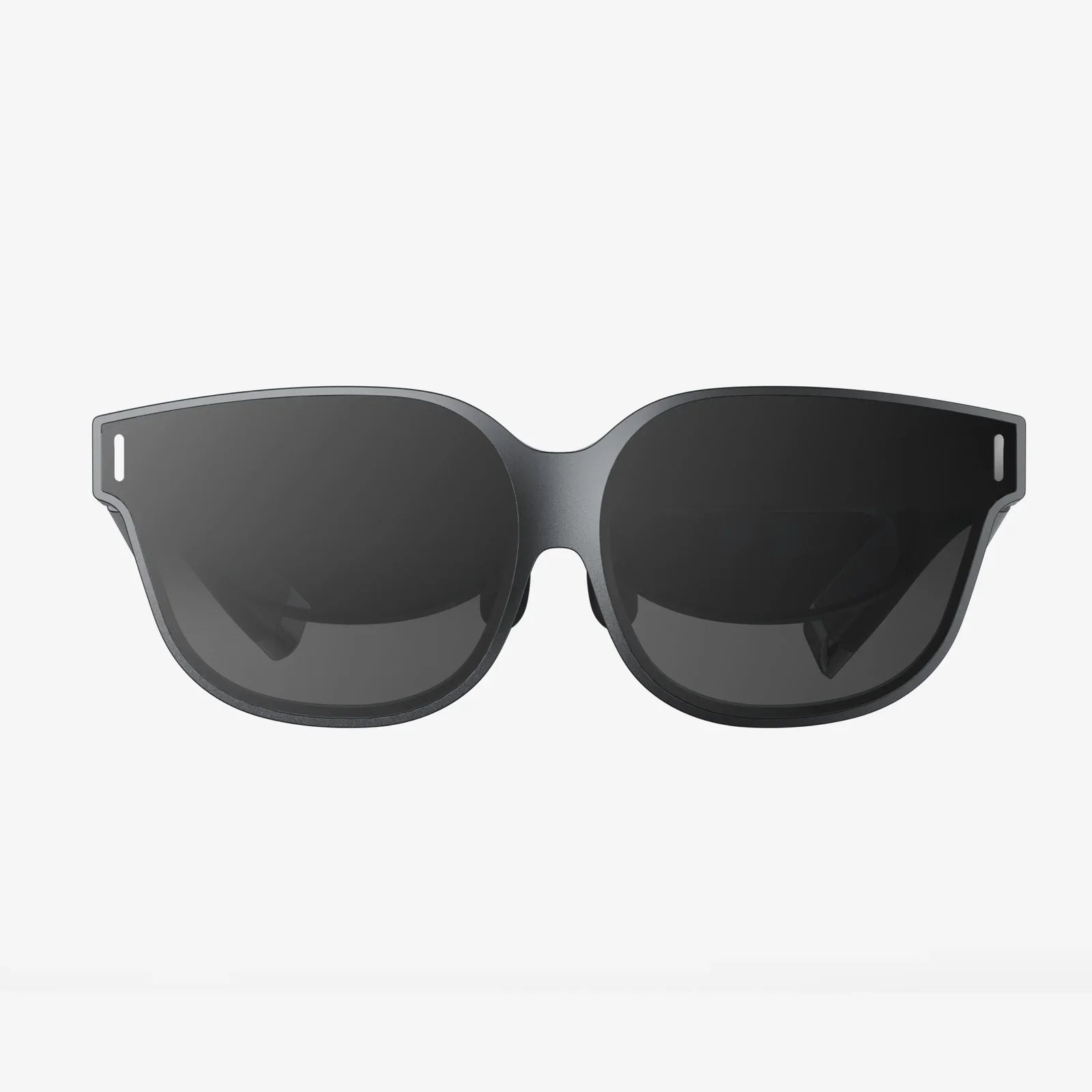
- by wangfred
Which VR Headset Should You Buy: The Ultimate Guide to Navigating the Virtual Frontier
- by wangfred
The virtual reality landscape is a thrilling, ever-expanding universe, a digital frontier promising adventures from the comfort of your living room. But standing at the edge of this new reality, a single, daunting question halts every would-be explorer: which VR headset should you buy? The answer isn't a simple one-size-fits-all; it's a deeply personal equation balancing performance, purpose, and purse strings. This guide is your trusted map, designed to cut through the marketing jargon and technical specifications to help you find the perfect portal to your new virtual life.
Before comparing megapixels and refresh rates, the most critical decision point is you. Your intended use case is the north star that will guide every other choice.
The entire market is divided into two fundamental camps, each with its own philosophy, strengths, and limitations.
These headsets act as a high-end display and sensor system, connecting via a cable to a powerful computer that does all the heavy graphical lifting. This is the domain of uncompromising performance.
These all-in-one devices have the computer, display, and sensors built directly into the headset. They are completely wireless and self-contained.
Many modern standalone headsets now offer an optional feature: the ability to connect to a gaming PC via a high-speed USB-C cable or wireless streaming. This effectively transforms them into a PCVR headset, giving you the best of both worlds—wireless freedom for casual apps and the option to tap into raw power for premium games. This flexibility has made this approach incredibly popular.
Spec sheets can be overwhelming. Here’s what those numbers actually mean for your experience.
Measured in pixels per eye (e.g., 1832 x 1920). Higher numbers generally mean a clearer, sharper image with less visible "screen door effect" (the fine lines between pixels). For a great experience, look for at least this resolution or higher.
Measured in Hertz (Hz), this is how many times the image updates per second. 72Hz is the bare minimum, 90Hz is standard for a comfortable experience, and 120Hz or higher provides incredibly smooth motion that is crucial for fast-paced games and reducing motion sickness for susceptible users.
This is how much of the virtual world you can see at once, measured diagonally like a TV. A larger FoV (around 110 degrees is common) feels more immersive, while a narrow FoV can feel like looking through binoculars.
High-quality Fresnel or aspherical lenses are used to focus the image. The goal is a large "sweet spot"—the area where the image is perfectly clear—with minimal god rays (lens flare effects around high-contrast objects).
A headset you can't wear for more than 30 minutes is a bad headset, no matter how powerful it is.
Lighter is generally better, but balance is more important. A well-designed headset distributes weight evenly between the front and back of your head, reducing pressure on your face.
Basic elastic straps are common on entry-level models but often lack support. Elite-style straps with a rigid overhead band and dial-based tightening systems offer vastly superior comfort and stability.
The foam or silicone gasket that rests on your face is crucial. It should form a light seal without pressing too hard. Look for models with removable, machine-washable interfaces for hygiene, especially if you plan to share your headset or use it for fitness.
Interpupillary Distance (IPD) is the distance between your pupils. Headsets offer either software-based adjustment (which just shifts the image) or physical lens separation (which mechanically moves the lenses). Physical adjustment is superior as it maintains optical clarity and a large sweet spot for a wider range of users.
Your headset is a door, but the ecosystem is the world behind it. Ensure the world you're buying into has the experiences you want.
Some platforms fund games in exchange for timed or permanent exclusivity. This is a major factor. If your most-desired game is locked to one platform, your decision may already be made for you. Research the exclusive titles on each platform to see which library appeals to you most.
Beyond games, check for the media apps you use: streaming services, web browsers, and social VR platforms. The strength of these apps can vary significantly between ecosystems.
Your path is clear: maximum fidelity and performance. You'll want a high-end PCVR headset that leverages your computer's power. Prioritize:
Your priorities are ease of use, value, and wireless freedom. A standalone headset is almost certainly your best bet. Prioritize:
You want the flexibility to exercise wirelessly in the morning and dive into a graphically rich PC game in the evening. A hybrid standalone headset with PC linking capability is your ideal choice. Prioritize:
Your needs are niche and demand the absolute best in visual clarity, often for professional applications. You'll be looking at the highest-end of the market. Prioritize:
The journey to finding your perfect VR headset is a personal adventure, but it no longer needs to be a confusing one. By honestly assessing your needs, understanding the trade-offs between different technologies, and knowing which specs impact your desired experience, you can move forward with confidence. The virtual world is vast, filled with wonder, and waiting for you to take the first step. Your perfect portal awaits—all that's left is to strap in and dive headfirst into the incredible experiences that lie beyond.