


Imagine a computer screen that doesn’t just wait for your command but anticipates your needs, a digital workspace that breathes with real-time information, and a canvas that responds to your touch, voice, and even your gaze. This isn’t a scene from a science fiction movie; it’s the rapidly approaching reality of the Windows interactive desktop, a paradigm shift that is fundamentally redefining our relationship with personal computing. The era of the static, passive desktop is drawing to a close, making way for a dynamic, intelligent, and profoundly personal digital environment.
From Static Icons to a Living Dashboard
The traditional desktop metaphor, pioneered decades ago, was a revolution in itself. It gave users a familiar landscape of files, folders, and applications represented by static icons. For years, this was the standard—a reliable but largely inert starting point for our digital tasks. The first major crack in this static facade appeared with the introduction of the active desktop and later, more successfully, with live tiles. These were not just placeholders; they were miniature windows into applications, displaying real-time updates, weather forecasts, new email notifications, and social media feeds directly on the start menu. This was the seed from which the modern interactive desktop grew.
Today, this concept has exploded into a full-fledged widget ecosystem. A dedicated widget panel, often accessible with a simple swipe or click, now serves as a personalized dashboard for your digital life. At a glance, without opening a single application, you can see your calendar for the day, track stock market movements, monitor your fitness goals, check traffic conditions for your commute, and stay updated on top news stories. This layer of ambient information transforms the desktop from a launchpad into an information hub, saving precious time and cognitive load by surfacing what matters most, right when you need it.
The Engine Room: AI and Machine Learning
The true magic of the interactive desktop lies beneath the surface, powered by sophisticated artificial intelligence and machine learning algorithms. This is what transforms a merely reactive interface into a proactive assistant. The operating system learns from your behavior, patterns, and preferences over time.
Imagine sitting down to work on a Monday morning. Your interactive desktop, knowing your routine, has already prepared your environment. It might suggest opening the project files you always work on first, display a reminder about your 10 a.m. meeting based on an email it scanned (with your permission), and even prompt you to start the playlist that helps you focus. This predictive assistance is a hallmark of the AI-driven desktop. It’s not about the computer taking control; it’s about it understanding context. By analyzing your workflow, it can offer timely suggestions, automate repetitive tasks, and help you maintain focus by reducing distractions.
Furthermore, AI-powered search is becoming the central nervous system of the desktop. Instead of navigating through complex folder hierarchies, you can simply type or speak a natural language query like “show me the budget presentation I worked on last week for the client meeting” and have the correct file instantly retrieved, even if you’ve forgotten its name and location. This contextual understanding dramatically accelerates productivity and makes vast stores of digital information instantly accessible.
A Multi-Sensory Experience: Touch, Pen, and Voice
Interactivity is no longer confined to the mouse and keyboard. The modern Windows interactive desktop is a multi-modal experience, embracing a variety of input methods that make computing more intuitive and natural.
- Multi-Touch and Gestures: With the proliferation of touch-enabled displays and precision touchpads, navigating the desktop has become a tactile experience. Pinch-to-zoom on photos and documents, swipe to switch between virtual desktops or view your timeline, and use three-finger gestures to minimize windows or show the desktop. These gestures create a fluid, direct connection between the user and their content.
- Digital Inking: The support for digital pens has unlocked new realms of creativity and note-taking. The interactive desktop becomes a digital canvas where you can sketch ideas, annotate documents directly on the screen, and handwrite notes that can be converted to text or remain as digital ink. This blurs the line between creation and consumption, making the desktop an active workspace for thought.
- Voice Control: Voice assistants integrated directly into the shell of the operating system allow for hands-free operation. You can open applications, dictate emails and documents, ask questions, and control system settings like volume and brightness without ever touching a peripheral. This is not only convenient but also crucial for accessibility, opening up computing to a wider range of users.
Gaming and the High-Performance Interactive Desktop
The concept of interactivity extends powerfully into the realm of entertainment and gaming. For gamers, the desktop is the gateway to immersive worlds, and its interactive capabilities are pushed to the limit. Features like dynamic refresh rates ensure buttery-smooth visuals, while HDR support brings stunning contrast and color to compatible displays. Direct integration with gaming services provides overlays that offer performance metrics, communication with friends, and capture controls without leaving the game window.
Widgets can be customized to show system vitals like CPU and GPU usage, framerates, and network latency, turning the desktop itself into a command center for the gaming experience. This deep level of integration ensures that the interactive desktop is not just for productivity but is also a high-performance portal for play, responding with lightning speed and stunning visual fidelity to every user input.
Security and Privacy in an Interactive World
With great power comes great responsibility. A desktop that is constantly learning from you, processing your data, and listening for your voice raises legitimate security and privacy concerns. The architects of these systems are acutely aware of this, building in robust safeguards. Users are given clear and granular controls over what data is collected and how it is used. Features like voice activation often process audio locally on the device rather than sending it to the cloud, and diagnostic data collection is typically optional and anonymized.
Transparency is key. A trustworthy interactive desktop provides easy-to-understand privacy dashboards where users can review and manage their permissions, ensuring they feel in control of their digital footprint. The goal is to create an experience that is helpful and personalized without being intrusive, striking a delicate balance between convenience and user autonomy.
The Future: Towards an Invisible Interface
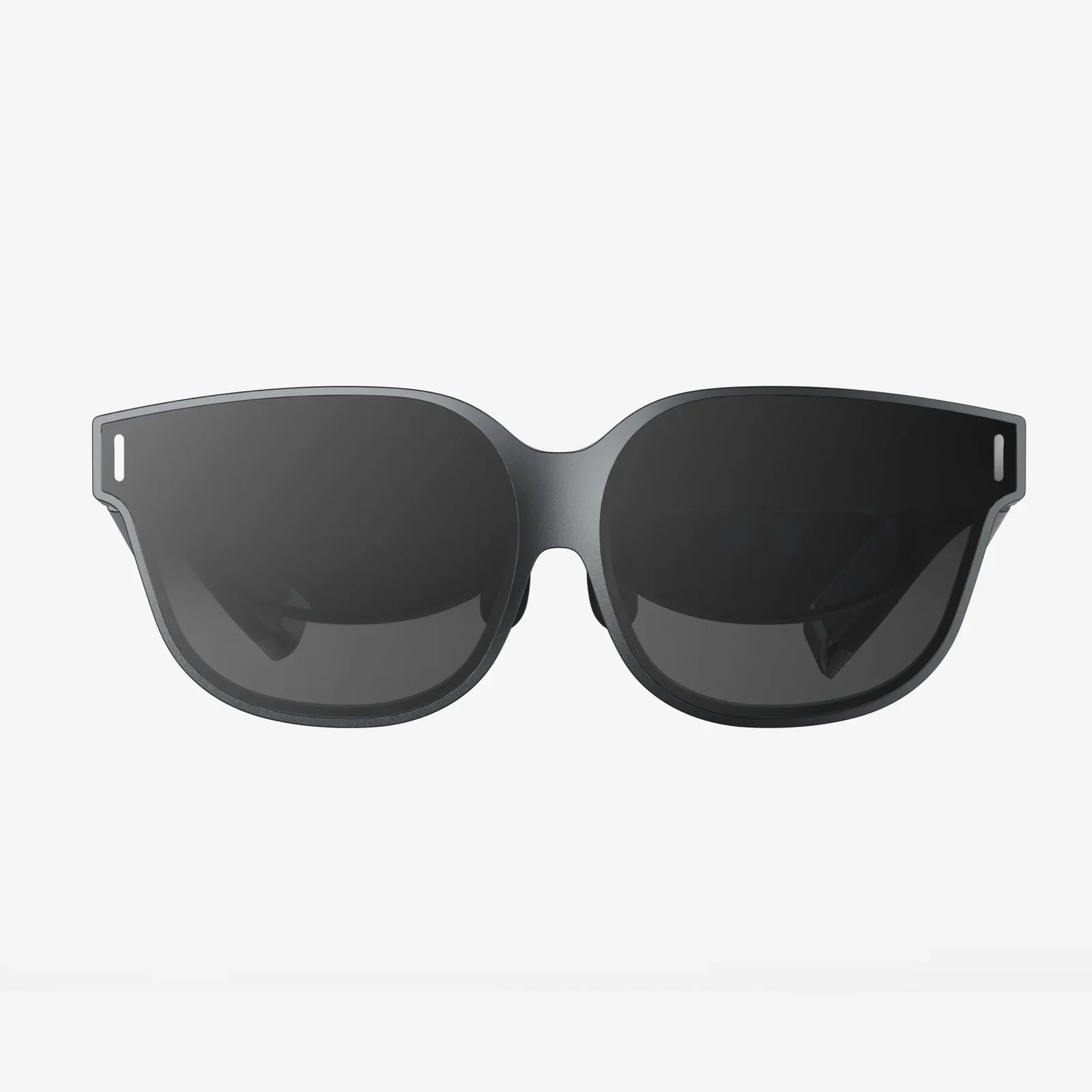
The trajectory of the Windows interactive desktop points toward an even more seamless and integrated future. We are moving towards what experts call the “ambient” or “invisible” interface. Augmented Reality (AR) and Virtual Reality (VR) will likely play a significant role, allowing us to project our interactive desktops into three-dimensional space, manipulating digital objects with our hands as if they were physical.
AI will become even more nuanced, potentially understanding our emotional state through biometric feedback and adjusting the environment accordingly—perhaps dimming lights for focus or suggesting a break when it detects fatigue. The desktop will cease to be a distinct “place” we go to and will instead become a persistent, contextual, and intelligent layer integrated into our daily lives, accessible from any device, anywhere.
The evolution is clear: the destination is a computing experience that feels less like using a tool and more like working with a partner. The Windows interactive desktop is the foundational step on this journey, transforming our screens from cold glass into warm, intelligent guides that empower us to be more creative, more productive, and more connected than ever before.
The static desktop you know is on the verge of extinction, replaced by a living, breathing entity that knows your schedule, your projects, and even your preferences. This isn't just an upgrade; it's a revolution in how we interact with the very heart of our machines, promising a future where technology doesn't just respond but truly understands. Are you ready to step into your new office?
Share:
3D Home Theater: The Ultimate Immersive Entertainment Experience
How to View Virtual Reality: A Deep Dive into the Digital Frontier