


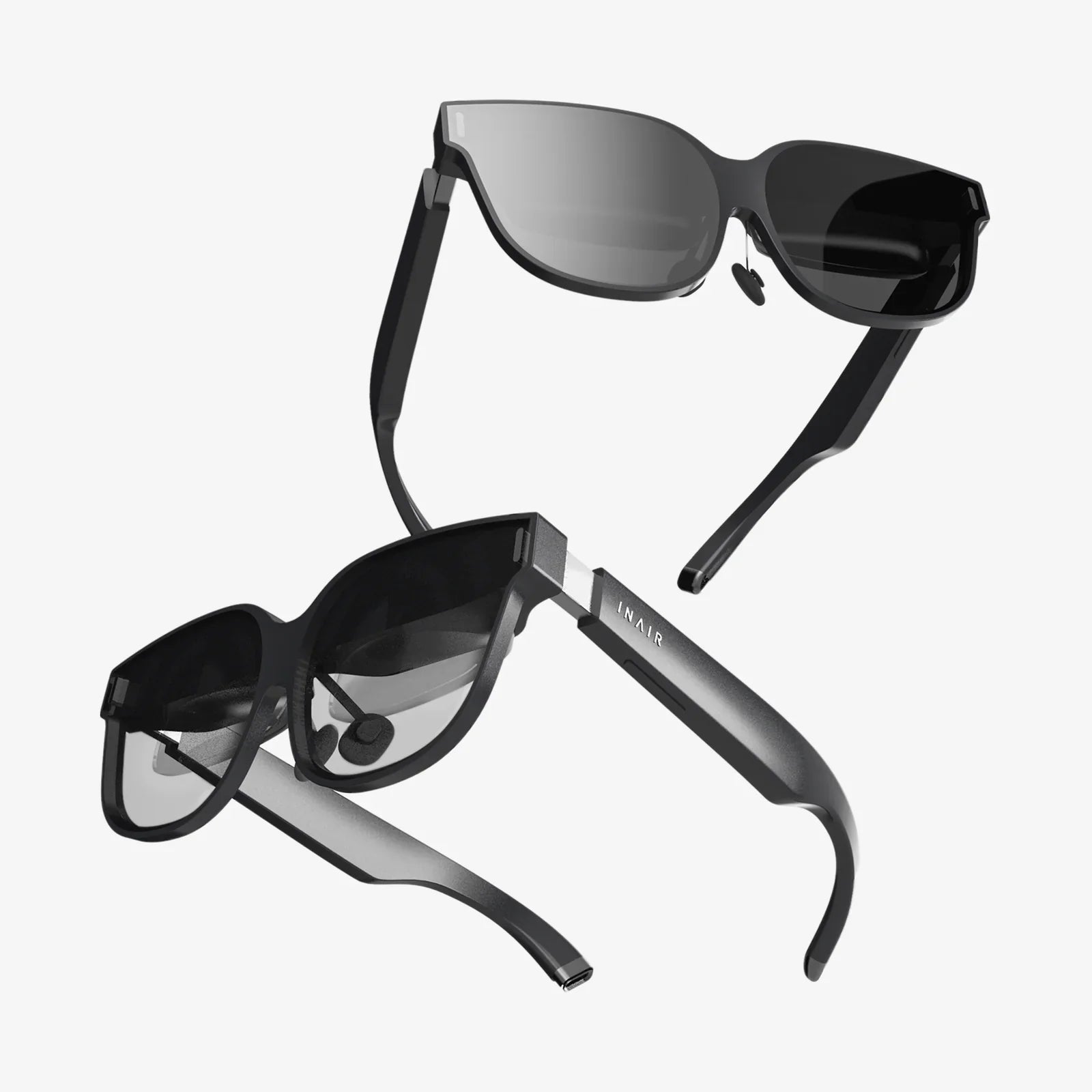
Imagine reaching into your screen, past the flat pixels, and feeling the texture of a character's cloak or the chill of a distant mountain peak. This is no longer the stuff of science fiction. The advent of sophisticated 2D to 3D video converter apps is democratizing a technology once reserved for big-budget studios, placing the power to create immersive, three-dimensional experiences directly into the hands of consumers. These applications are not just simple filters; they are complex portals that reinterpret the very fabric of a two-dimensional image, analyzing, predicting, and constructing a believable depth map to fool our brains into seeing a world with volume and space. This article delves deep into the mechanics, possibilities, and ethical considerations of this transformative technology, exploring how a simple app can redefine our relationship with recorded media.
The Allure of the Third Dimension: Why Depth Captivates Us
Human vision is stereoscopic. We perceive depth and dimension because our two eyes, spaced slightly apart, see the world from two different angles. Our brain seamlessly merges these two slightly offset images into a single, coherent picture rich with spatial information. This is why 3D media feels so engaging and, at times, startlingly real—it mimics our natural way of seeing. A 2D to 3D video converter app seeks to reverse-engineer this process. It takes a single, flat image or video sequence and attempts to computationally generate the missing second perspective, creating the illusion of depth that was not originally captured by the camera.
Beyond Red and Blue: The Modern Mechanics of Conversion
Gone are the days of the simple anaglyph glasses with their red and cyan lenses, which created a 3D effect through color filtering. Modern converter apps employ a suite of advanced algorithms, often powered by artificial intelligence and machine learning, to achieve a far more sophisticated and comfortable result.
Depth Map Generation: The Heart of the Process
The core task of any converter is to create a depth map—a grayscale image where the brightness of each pixel corresponds to its perceived distance from the viewer. Pure white represents the closest objects, pure black the farthest, and shades of gray everything in between. The app analyzes the video frame-by-frame to build this map. Techniques include:
- Object Recognition and Segmentation: AI models trained on millions of images can identify common objects (people, cars, trees, buildings) and understand their typical shape and position in a scene. A person is typically closer than the sky, so the algorithm assigns them a brighter value on the depth map.
- Motion Parallax Analysis: In a video, objects closer to the camera move faster across the frame than distant objects when the camera pans. The app can analyze this motion to estimate relative distances.
- Perspective and Texture Clues: The software looks for visual cues like converging lines (linear perspective), the size of known objects, and the granularity of texture (texture gradient) to infer depth.
Rendering the Second View
Once the depth map is established, the app uses it to generate a second image for the other eye. This is not a simple copy-paste job. It involves warping the original image, shifting pixels horizontally based on their depth value. Closer objects (brighter on the depth map) are shifted more than distant objects (darker on the depth map). This process, known as image-based rendering, creates the two slightly different perspectives needed for stereoscopic vision.
Output Formats for Modern Displays
The final converted video can be output in various formats compatible with today's technology:
- Side-by-Side (SBS): The left-eye and right-eye views are squeezed horizontally and placed next to each other in a single frame. This is a common format for 3D TVs and VR headsets.
- Top-and-Bottom (Over/Under): The two views are stacked vertically. Also widely supported by 3D displays and VR platforms.
- MPO (Multi-Picture Object): A still image format that stores the two JPEG images required for a stereoscopic picture, often used for 3D photos on certain devices.
The User Experience: From Download to Dimension
Using a typical 2D to 3D video converter app is designed to be a straightforward process, though the results can vary dramatically based on user input.
- Selection and Import: The user selects a video file from their device's library. High-resolution, high-quality source material always yields better results.
- Initial Automatic Conversion: The app runs its automatic algorithms, generating a baseline depth map and producing a first-pass 3D conversion.
-
The Critical Role of Manual Fine-Tuning: This is where the user transforms from a passive consumer to an active director. The best apps provide manual controls to adjust the conversion:
- Depth Intensity/Strength: A slider to control the overall perceived depth of the scene. Too much can cause eye strain, too little makes the effect unnoticeable.
- Popup/Convergence Adjustment: This control shifts the "window" into the scene, determining which depth plane appears at the screen level. It can make some objects seem to pop out in front of the screen while others recede behind it.
- Object-Level Editing (Advanced): Some converters allow users to manually paint or correct the depth map around specific objects, fixing errors the AI might have made (e.g., correctly placing a person behind a tree branch).
- Preview and Export: The user previews the result, often with the option to use their device's screen with compatible 3D glasses. Once satisfied, they export the video in their chosen 3D format.
The Ideal Source: What Makes a Video a Good Candidate?
Not all videos are created equal when it comes to conversion. The algorithms rely on visual information, so some content converts far more convincingly than others.
Excellent Candidates:
- Videos with strong, clear foreground, midground, and background layers (e.g., a person in front of a tree in front of a mountain).
- Content with slow, steady camera movement that provides good motion parallax clues.
- Well-lit scenes with high contrast and detail.
- Computer-generated imagery (CGI) or animation, which often has clean edges and distinct objects.
Poor Candidates:
- Fast-cut music videos or action sequences with quick, jerky camera movements.
- Shots with a shallow depth of field (where the background is intentionally blurred out).
- Low-light, grainy, or low-resolution footage.
- Flat, textureless surfaces like a blank wall or a calm sea.
Beyond Novelty: Practical and Creative Applications
While converting old home movies to 3D is a popular use case, the applications extend far beyond personal nostalgia.
- Content Creation and Social Media: Creators can produce unique 3D content for platforms that support it, particularly those designed for Virtual Reality headsets, giving their audience a more engaging and memorable experience.
- Educational and Training Materials: Imagine a biology student examining a 3D model of a cell or a mechanics trainee exploring the layers of an engine assembly. Depth can make complex subjects more intuitive and easier to understand.
- Real Estate and Tourism: 3D conversions of property walkthroughs or scenic destination videos can provide a more realistic and enticing preview than flat videos.
- Artistic Reinterpretation: Filmmakers and video artists can use these tools to add a new layer of meaning to existing works, emphasizing certain elements and creating surreal depth effects that were not possible in the original shoot.
Navigating the Limitations and Ethical Considerations
The technology is impressive, but it is not magic. It is crucial to understand its limitations.
- The "Uncanny Valley" of Depth: The conversion is an educated guess. Errors can and do occur, leading to visual artifacts like warping, "cardboarding" (where objects appear as flat cutouts), and incorrect depth assignments that can break the illusion and cause viewer discomfort.
- Computational Demand: Processing high-resolution video is computationally intensive. Conversion is not real-time; it can take many times the duration of the original video to render, depending on the length and quality.
- The Copyright Conundrum: Converting commercially produced films and distributing them raises significant copyright issues. While converting a personal home movie is one thing, converting a Hollywood blockbuster and sharing the 3D version infringes on the rights of the original creators and distributors.
- Accessibility Concerns: 3D media is not accessible to everyone. A portion of the population cannot perceive stereoscopic depth, and viewing 3D content can induce headaches and eye strain in others.
The Future of Dimensional Conversion
The trajectory of this technology is pointed firmly upward. As AI models become more sophisticated and computational power more accessible, we can expect:
- Near-Instant, Real-Time Conversion: Future iterations could be powerful enough to convert standard live broadcasts into 3D on the fly.
- Hyper-Accurate Depth Sensing: AI will get better at interpreting complex scenes, handling reflections, transparency, and fine details like hair and smoke with minimal artifacts.
- Tighter Hardware Integration: This technology could become a standard, invisible feature in TVs, media players, and VR/AR headsets, automatically adding a depth layer to all compatible 2D content without user intervention.
The true magic of a 2D to 3D video converter app lies not in its ability to perfectly replicate a native 3D experience, but in its power to unlock new perspectives on our existing world. It invites us to become co-creators, to look at our memories and media not as fixed, flat records, but as malleable experiences waiting to be explored in depth. It challenges the finality of a recorded image and opens a door—a third dimension—where our imagination and algorithms collaborate to build worlds that feel more real, more present, and more profoundly engaging than ever before. The screen is no longer a barrier; it's the first layer of a deep new reality.
Share:
Best AR Glasses Right Now: A Deep Dive into the Future on Your Face
Best Rated Virtual Reality: A Deep Dive into the Ultimate Immersive Experience