


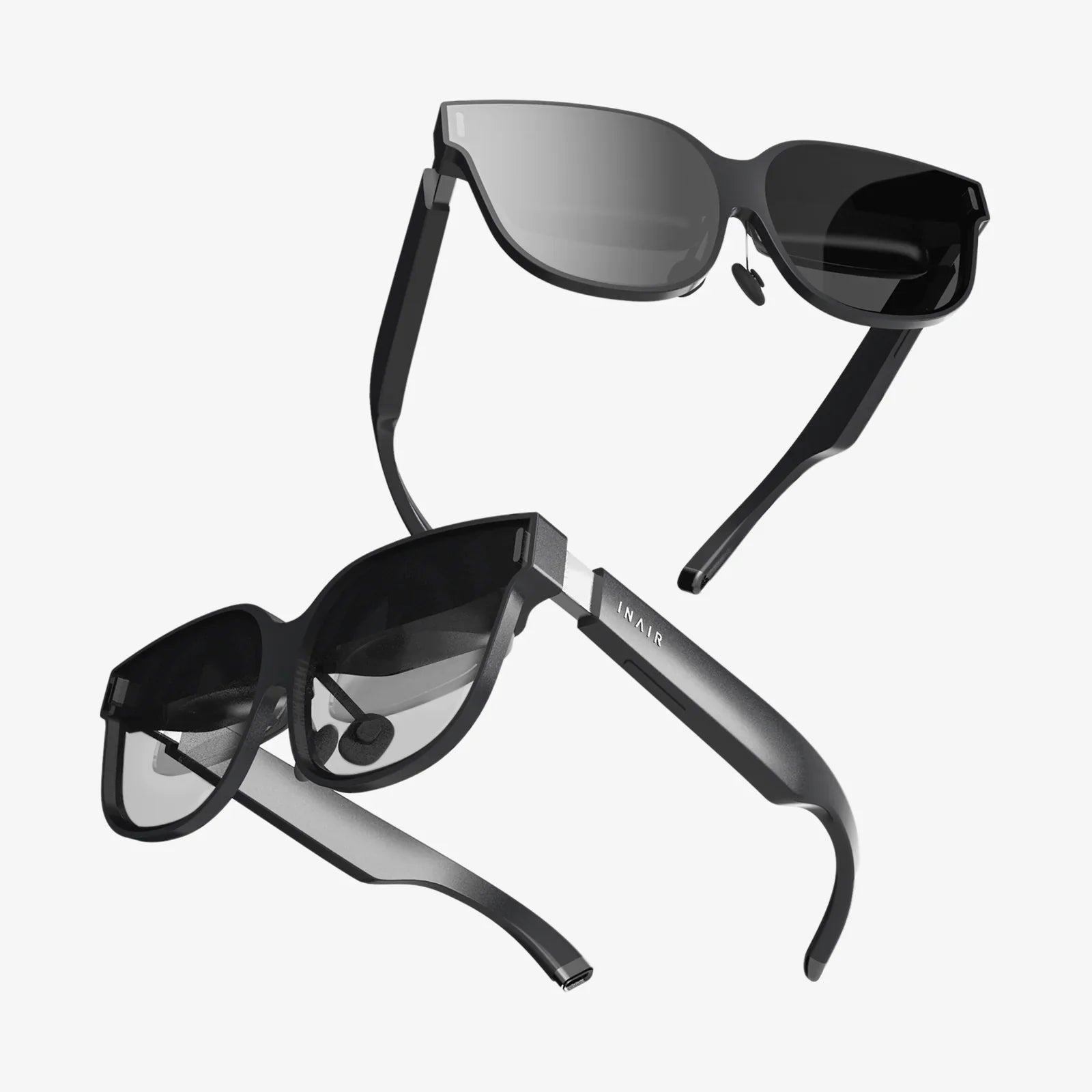
Imagine a world where digital information seamlessly blends with your physical surroundings, where instructions float over machinery you're repairing, historical figures materialize in your living room to tell their stories, and navigation cues are painted directly onto the street before you. This is no longer the stuff of science fiction; it's the tangible, accessible power of augmented reality (AR), and learning how to harness it is the key to unlocking the next dimension of human-computer interaction. The journey from curious observer to capable AR creator is filled with exciting challenges and profound creative opportunities, waiting for you to take the first step.
At its core, augmented reality is a technology that superimposes a computer-generated image, video, or 3D model onto a user's view of the real world, thus providing a composite perspective. Unlike its cousin, virtual reality (VR), which creates a completely artificial environment, AR enhances the real world by adding digital elements to it. This fundamental difference makes AR uniquely suited for applications that require a connection to our immediate physical context, from simple smartphone filters to complex industrial maintenance guided by smart glasses.
The Essential Toolkit for AR Development
Embarking on your AR how-to journey requires familiarity with a suite of tools and technologies. You don't need to be an expert in all of them immediately, but understanding the landscape is crucial.
- Software Development Kits (SDsK): These are the foundational building blocks for most AR applications. Major tech companies offer powerful SDKs that provide pre-built functions for tracking, rendering, and environmental understanding. They handle the complex computer vision algorithms needed to anchor digital content to the real world, allowing developers to focus on creating the experience itself.
- Game Engines: For creating rich, interactive 3D experiences, game engines are indispensable. They offer robust rendering capabilities, physics simulations, and asset management systems that are perfect for building immersive AR worlds. Most AR SDKs integrate seamlessly with these engines, making them the preferred environment for professional AR development.
- 3D Modeling and Animation Software: The digital objects that populate your AR experience need to be created somewhere. Proficiency in 3D modeling software is essential for designing, texturing, and animating the assets that will inhabit your augmented world. The quality and optimization of these models are critical for performance, especially on mobile devices.
- Programming Languages: The language you use will often depend on your target platform and chosen tools. Common languages include C# for use with certain game engines, Java for native Android development, and Swift for native iOS development. A solid grasp of programming fundamentals is non-negotiable for building anything beyond the most basic AR scenarios.
A Step-by-Step Guide to Your First AR Project
Let's break down the process of creating a simple AR application. This will provide a practical framework for the 'how-to' and make the theoretical knowledge concrete.
Step 1: Define Your Concept and Use Case
Before writing a single line of code, start with a clear, simple idea. The best initial projects are highly focused. For example: 'An app that places an animated, life-size 3D model of a classic car in your driveway.' or 'An app that adds an interactive, animated poster to a specific wall in your home.' A well-scoped project ensures you can learn the fundamentals without becoming overwhelmed.
Step 2: Choose Your Development Path
Based on your concept, decide on the right tools. For a beginner, the easiest entry point is often a mobile AR experience using an SDK designed for smartphones. These platforms leverage the device's camera and sensors and have extensive documentation and community support. Download and install your chosen game engine and the necessary AR plugin or SDK.
Step 3: Create or Source Your 3D Assets
For your car model or animated poster, you will need a 3D asset. As a beginner, you can find numerous free and paid models on online marketplaces. Import this asset into your project. Pay attention to the model's polygon count and texture sizes to ensure it performs well on a mobile device.
Step 4: Set Up Your AR Session and Environment
Within your game engine, you will initialize the AR session. This typically involves setting up a scene camera to function as the device's camera and configuring session settings for your target platform (e.g., requiring camera permission). This step establishes the live video feed as your background.
Step 5: Implement Tracking and Anchoring
This is the heart of the 'how-to.' You must decide how your digital content will be placed and locked into the real world. The simplest method is plane detection, where the SDK identifies flat surfaces like floors and tables. You can then write code to instantiate your 3D car model on a detected horizontal plane when the user taps the screen. More advanced methods include image recognition (using a specific picture as a trigger) or object recognition (using a real-world object as a trigger).
Step 6: Add Interactivity
A static model is a good start, but interaction brings it to life. Use scripts to add functionality. This could be as simple as implementing touch controls to rotate and scale the model. Or, you could add buttons to your app's interface that trigger animations—making the car's doors open or starting its engine.
Step 7: Test Extensively on a Target Device
AR experiences are highly dependent on real-world conditions like lighting, surface textures, and movement. You cannot fully test this in a desktop simulator. Constantly build and deploy your application to a physical smartphone or headset. Test in different environments—a well-lit room, a dim corridor, on a textured rug, on a glossy table. This iterative process of testing and refining is critical for a stable experience.
Step 8: Build and Deploy
Once your application is stable and performs well, you can package it for distribution. For mobile, this means generating an APK file for Android or an IPA file for iOS, which can be shared for testing or submitted to the respective app stores.
Advanced AR Techniques to Explore
After mastering the basics, a vast landscape of advanced functionality awaits.
- Environmental Understanding: Moving beyond simple plane detection, this involves creating a mesh of the physical environment, allowing digital objects to occlude behind real-world furniture or interact with uneven surfaces.
- Light Estimation: This technique allows the AR system to analyze the ambient light in a room and adjust the lighting and shadows of the digital objects to match, creating a truly seamless and believable blend between real and virtual.
- Cloud Anchors: This is a powerful concept that enables persistent, multi-user AR experiences. A digital object's position and state can be saved to the cloud, allowing other users to see and interact with the same object in the same physical location from their own devices, enabling shared collaborative experiences.
- Body and Hand Tracking: Using device cameras to track human movement opens up incredible possibilities for gesture-based controls and trying on virtual clothing or accessories.
Overcoming Common AR Development Challenges
The path to AR proficiency is not without its obstacles. Recognizing them early is half the battle.
- Performance Optimization: AR is computationally expensive. Janky animation or a laggy video feed instantly breaks immersion. Prioritize efficient code, use optimized 3D assets, and constantly profile your app's performance on lower-end devices.
- Cross-Platform Development: Different operating systems and devices have varying capabilities and APIs. Frameworks that promise 'write once, run anywhere' can simplify this, but often at the cost of access to the latest platform-specific features.
- User Experience (UX) Design: Designing for AR is fundamentally different from designing for a 2D screen. Considerations like world-space UI, comfortable interaction zones, and intuitive gestures are paramount. A poorly designed AR interface can be confusing and physically uncomfortable to use.
- Testing in the Wild: The infinite variability of the real world is your greatest testing challenge. You must test under a wide range of lighting conditions, surface types, and spatial configurations to ensure robustness.
The Future is Augmented: Where These Skills Will Take You
The applications for AR are expanding at a breathtaking pace. In retail, customers can visualize furniture in their homes or try on glasses before buying. In industry, technicians receive remote expert guidance with annotations overlaid on faulty equipment. In education, students can dissect virtual frogs or walk through ancient Roman settlements. In healthcare, surgeons can visualize patient scans directly on the operating table. The demand for developers who understand the 'how-to' of AR is growing across every sector, making this skillset one of the most valuable and future-proof in the tech landscape.
The door to a layered world of digital magic is now open, and the tools to build within it are more accessible than ever before. Your foray into augmented reality how-to begins not with a complex headset, but with a simple idea, a dose of curiosity, and the willingness to anchor your imagination into the reality around you. The future isn't just something we enter; it's something we actively build and overlay onto our present, and your next project could be the lens through which millions finally see that potential come to life.
Share:
Virtual Pro XR Glasses Are Redefining Reality and Reshaping Our Digital Future
What Is The Difference Between AR And VR Technology - A Comprehensive Guide To The Digital Frontier