


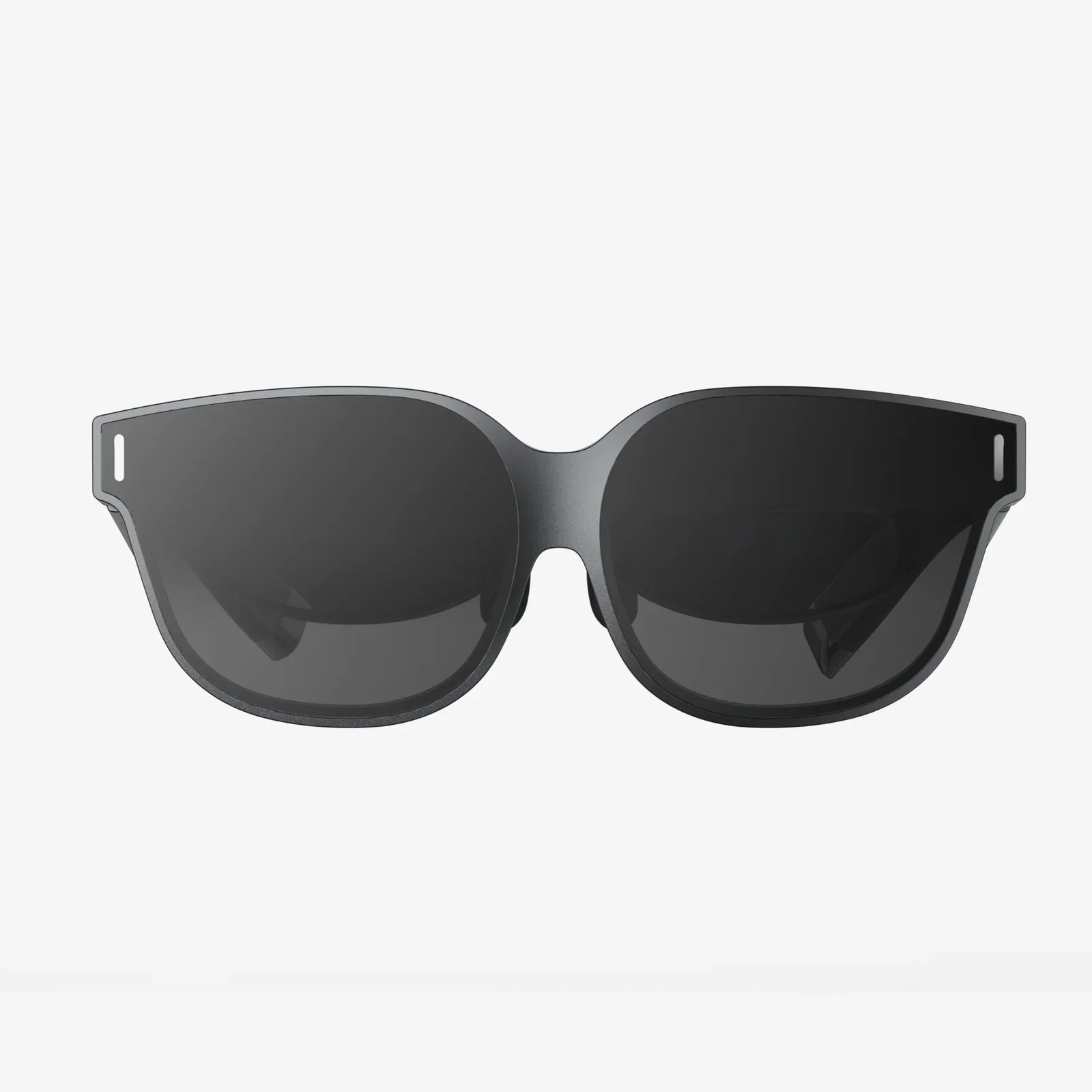
Imagine holding a personal 3D IMAX theater in the palm of your hand, where breathtaking depth and stunning visuals leap from the screen without the need for clunky, expensive glasses. The quest for the perfect three-dimensional viewing experience on mobile is no longer a futuristic fantasy but a present-day reality for Android users. The right software can unlock this immersive world, turning your powerful smartphone into a gateway for awe-inspiring content. This comprehensive guide delves deep into the critical elements that define a superior 3D video player for the Android ecosystem, empowering you to make an informed choice and elevate your media consumption to spectacular new dimensions.
The Foundation of Mobile 3D: Understanding the Core Technologies
Before embarking on the search for a player, it's crucial to understand the technological landscape. Not all 3D is created equal, and the method used to encode the video file directly impacts the type of player and display you'll need.
Stereoscopic 3D (SBS and OU): This is the most common format for mobile 3D content. It works by presenting two slightly different images, one for each eye, to create the perception of depth.
- Side-by-Side (SBS): The video frame contains two squashed images placed next to each other. A competent player will unsqueeze these and display them simultaneously for each eye. This can be full SBS (where the horizontal resolution is halved) or half SBS.
- Over-Under (OU/Top-Bottom): The same principle as SBS, but the two images are stacked vertically, one on top of the other.
Anaglyph 3D: The old-school red-and-cyan glasses method. While largely outdated due to its color degradation, some legacy content exists in this format. A good player should still be able to handle it.
VR/360-Degree Content: This extends beyond traditional 3D, placing you inside a spherical video. Players for this content often include head-tracking features and are designed to be used with a VR headset.
The best players seamlessly detect and correctly render these various formats without requiring cumbersome manual configuration for every file.
Non-Negotiable Features of a Top-Tier Player
What separates a mediocre player from an exceptional one? It’s a combination of raw power, intuitive design, and versatile functionality.
1. Comprehensive Codec and Format Support
Your player is useless if it can't play your files. Support goes far beyond just recognizing MP4 containers. Look for robust hardware-accelerated decoding for a wide array of codecs:
- Video: H.264, HEVC (H.265), VP9, MPEG-4, and even older codecs like Xvid.
- 3D Specific: Native playback of MVC (Multiview Video Coding) files, which is the format used on many 3D Blu-ray discs, is a hallmark of a truly powerful player, though it requires significant processing power.
- Audio: Support for immersive audio tracks like Dolby Digital Plus, DTS, and high-resolution FLAC ensures the soundscape matches the visual spectacle.
2. Intuitive Playback Controls and Customization
3D playback often requires fine-tuning. The player must offer easy-to-access controls for:
- Format Switching: Manually switching between SBS, OU, and anaglyph modes if auto-detection fails.
- Depth and Parallax Adjustment: The ability to subtly increase or decrease the perceived depth of the 3D effect is vital for comfort and maximizing impact.
- Subtitles: Advanced subtitle support that can project subtitles onto the 3D plane so they feel part of the scene, not a flat overlay that breaks immersion.
- Playback Speed, Audio Delay, and Equalizer: Standard features for any serious video player.
3. A Robust and User-Friendly Interface
The UI should be clean, minimal, and get out of the way. Playback controls should fade when not in use. Critical settings should be no more than a tap or two away. A built-in file browser that can easily navigate device storage and network shares (UPnP/DLNA, SMB) is a massive quality-of-life feature, eliminating the need to jump between apps.
4. Performance and Hardware Acceleration
Decoding two high-resolution video streams simultaneously is computationally intensive. Stuttering, lag, or audio desync can ruin the 3D experience and cause nausea. The player must leverage the device's hardware decoding capabilities (via MediaCodec API) to ensure buttery-smooth playback without draining the battery excessively.
5. Output and Compatibility Options
For the ultimate experience, the ability to output the signal to a larger 3D-capable display via HDMI is a game-changer. The player should correctly handle the signaling to trigger 3D mode on a compatible television. Furthermore, compatibility with Bluetooth controllers can enhance navigation, and support for casting protocols can offer wireless flexibility.
Beyond the Player: Hardware and Content Considerations
The software is only half of the equation. To truly experience 3D on Android, you must consider your hardware setup and where to find content.
The Display: Smartphone vs. VR Headset
Autostereoscopic Phones: Some older Android phones featured glasses-free 3D screens. While innovative, the technology had limitations in resolution and viewing angles. Today, this is a rare feature.
Standard Smartphone Screens: For SBS and OU content, you will need a VR headset or 3D glasses that work with your phone. A VR headset like a Google Cardboard derivative is the most accessible and effective method. It uses lenses to focus each eye on its respective image, creating a deeply immersive and convincing 3D effect. The quality of the headset's lenses and its comfort are paramount for longer viewing sessions.
Sourcing 3D Content: A Legal and Practical Guide
Finding quality 3D videos is the final hurdle. The landscape has shifted since the heyday of 3D televisions.
- Personal Libraries: If you own 3D Blu-rays, you can legally rip them to a compatible file format (like MKV with MVC video) for personal use on your device.
- Dedicated Platforms: Some video-sharing platforms host user-uploaded 3D content, often in SBS format. The quality can vary dramatically.
- VR Apps: Many VR-focused applications offer a wealth of 3D and 360-degree videos within their ecosystems.
Always be mindful of copyright laws and the source of your content.
Optimizing Your Experience: Tips and Tricks
With the right player and hardware, a few extra steps can perfect your setup.
- Use High-Resolution Files: Since SBS and OU formats effectively halve the horizontal or vertical resolution, start with the highest quality source file possible (e.g., 1080p SBS or better) to maintain clarity.
- Manage Battery and Heat: 3D playback is demanding. Consider keeping your device plugged in during long viewing sessions and ensure it has adequate ventilation to prevent thermal throttling.
- Calibrate for Comfort: If you feel eye strain, adjust the depth/parallax settings in your player. Take regular breaks, especially when starting.
- Explore Audio: Pair your phone with a good set of Bluetooth headphones to create a completely private and immersive audiovisual bubble.
The Future of Mobile 3D Viewing
While the consumer market for 3D TVs has waned, the spirit of immersive media thrives in the mobile and VR space. Advances in AR (Augmented Reality) and VR technology continue to push the boundaries of what's possible. Future developments may include more sophisticated light-field displays and better autostereoscopic technology, making glasses-free 3D a practical reality. The players available today are the foundation upon which these future experiences will be built, serving as a crucial bridge to the next generation of personal entertainment.
Your Android device possesses untapped potential to deliver a truly mesmerizing and dimensional viewing experience that far surpasses standard flat video. By prioritizing robust format support, intuitive controls, and flawless performance, you can select a player that acts as a perfect key to this world. The journey to finding your ideal mobile 3D cinema is about matching powerful, versatile software with the right content and hardware setup—unlock this combination, and a universe of immersive entertainment awaits, ready to transform your commute, your lunch break, or your living room into an escape of spectacular depth and dimension.
Share:
AR Glasses POV: Seeing the World Through a New Digital Lens
Latest AR Glasses: Blurring the Lines Between Digital and Physical Realms