


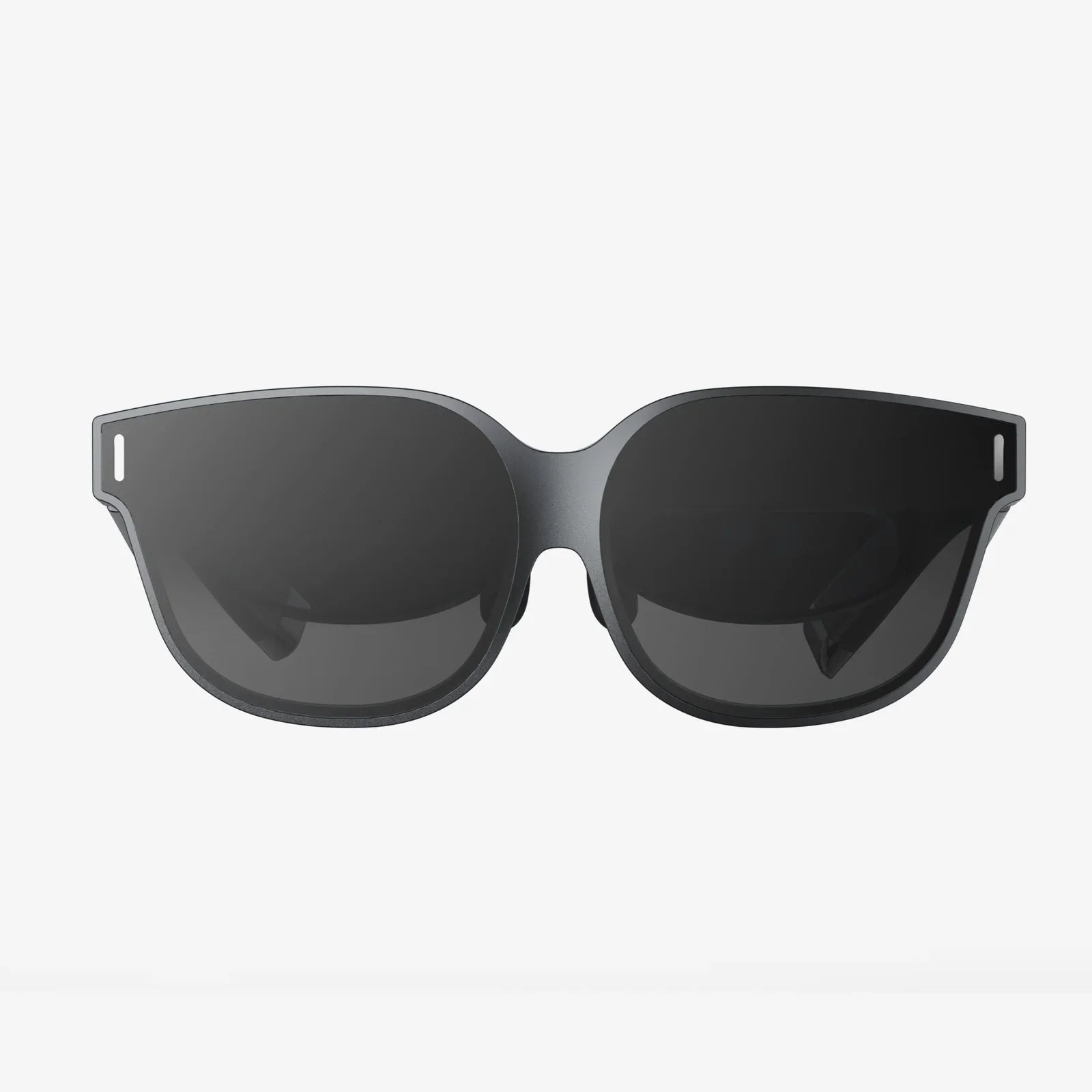
Imagine your office, not confined to a desk with clunky monitors, but a boundless, high-definition canvas that follows you anywhere. The quest for the perfect portable workstation is over. The future of computing is being reshaped not on our laps, but on our faces, with augmented reality glasses designed specifically to create a breathtaking virtual desktop experience. This isn't science fiction; it's the cutting-edge reality available today, offering professionals, creators, and tech enthusiasts an unprecedented level of freedom and immersion.
The Evolution of the Workspace: From Physical to Virtual
The traditional office setup has remained largely unchanged for decades: a computer tower, a keyboard, a mouse, and one or more monitors. This setup, while functional, tethers us to a specific location. The laptop offered mobility, but at the cost of screen real estate and often, processing power. The dream has always been to carry a massive, high-resolution display setup without the physical bulk. This is the core promise of using AR glasses for a virtual desktop. They decouple the visual interface from the computing unit, allowing you to project a private, giant screen from a powerful device in your pocket or connected to your home computer. It’s a paradigm shift, moving the interface from something you look at to something you are in.
What Truly Defines the "Best" AR Glasses for This Task?
Not all AR glasses are created equal. The market is diverse, with devices targeting everything from gaming to enterprise logistics. For the specific use case of a virtual desktop, several non-negotiable features rise to the top. These are the criteria that separate a compelling productivity tool from a novelty gadget.
Visual Fidelity: The Cornerstone of Productivity
You cannot work effectively on a blurry, pixelated screen. Visual fidelity is paramount.
- Resolution and PPD (Pixels Per Degree): While raw resolution (e.g., 1920x1080 per eye) is important, PPD is a more critical metric. It measures angular resolution, or how many pixels are packed into one degree of your field of view. A higher PPD (aim for over 45) means text will be sharp, crisp, and easy to read for extended periods, eliminating the screen-door effect that plagued earlier devices.
- Color Accuracy and Contrast: For designers, video editors, and anyone who relies on true-to-life color, accurate color reproduction and deep blacks are essential. Micro-OLED displays have become the gold standard here, offering exceptional contrast ratios and vibrant colors that rival high-end monitors.
- Field of View (FoV): A wider FoV allows your virtual screens to feel larger and more immersive without feeling like you're looking through a narrow letterbox. However, a very wide FoV must be balanced against form factor and processing power.
Form Factor and Comfort: All-Day Wearability
The best technology is the one you forget you're wearing. If glasses are uncomfortable, heavy, or get too warm, they will languish in a drawer.
- Weight and Balance: Lightweight designs that distribute weight evenly across the nose and ears are crucial. Many top-tier models weigh less than 100 grams, feeling similar to a pair of premium sunglasses.
- Ergonomics and Adjustability: Adjustable nose pads, customizable IPD (Interpupillary Distance), and optional prescription lens inserts ensure a perfect fit for a wide range of users, which is vital for visual clarity and comfort.
- Build Quality and Materials: Premium materials like magnesium alloy frames and soft, hypoallergenic silicone nose pads contribute significantly to long-term comfort.
Seamless Connectivity and Software
The hardware is only half the story. Its ability to connect effortlessly and work with robust software defines the experience.
- Plug-and-Play vs. Standalone: Most dedicated virtual desktop glasses are "companion" devices. They connect via a single USB-C cable that handles both video signal and power, often from a compatible laptop, phone, or dedicated computing unit. This simplicity is a huge advantage. Standalone devices with their own OS can be more versatile but often sacrifice visual fidelity for portability.
- Virtual Desktop Software: The accompanying application is what brings your desktop to life. The best software allows you to resize and position multiple virtual screens arbitrarily in your environment, pin them in place, and often supports advanced features like hand tracking for control, reducing the need for a physical keyboard and mouse.
- Low Latency and Smooth Performance: Any noticeable lag between your mouse movement and the on-screen cursor is a deal-breaker for productivity. A high refresh rate (90Hz or higher) and a low-latency connection are mandatory for a smooth, natural-feeling experience.
The Tangible Benefits of an AR Virtual Desktop
Why make the switch? The advantages extend far beyond simple novelty.
Unparalleled Portability and Workspace Freedom
This is the most obvious benefit. Your multi-monitor setup is now as portable as the glasses themselves. You can work from your couch, a coffee shop, a hotel room, or even a park (with appropriate shade), instantly accessing a massive, private screen. It eliminates the hunching over a small laptop screen and empowers true digital nomadism without compromise.
A Focus Machine
By placing your work in an immersive environment, AR glasses can minimize distractions from your physical surroundings. You can fade out the world and focus solely on your tasks, creating a state of deep work that is difficult to achieve with a traditional monitor surrounded by clutter and interruptions.
Ergonomics and Posture
With a virtual screen that can be placed at the perfect height and distance, you are forced to sit up straight and hold your head in a neutral position. This can alleviate the neck and back pain associated with hunching over laptops or craning to see a poorly positioned monitor.
Future-Proofing and Versatility
The same pair of glasses that serves as your productivity hub can also be your portal to immersive media consumption, gaming, and fitness. It's a single device that unlocks a vast ecosystem of AR applications, making it a incredibly versatile piece of technology.
Navigating Potential Considerations
As with any emerging technology, there are factors to consider before diving in.
- Battery Life and Power Source: Since most glasses draw power from the host device, it's crucial to understand the impact on your laptop's or phone's battery life. Planning for extended sessions may require a power bank.
- Social Acceptability: While the designs are becoming increasingly sleek, wearing AR glasses in public is still a visible activity. However, for private use in a home office or hotel room, this is a non-issue.
- The Learning Curve: Adapting to typing on a physical keyboard you can't see while looking at a virtual screen above it can feel strange at first. Most users adapt within an hour, and features like passthrough cameras can help bridge that gap.
The Future is Clear and Wearable
The trajectory of this technology is incredibly exciting. We are rapidly moving towards even lighter, more powerful glasses with higher resolutions, wider fields of view, and more intuitive input methods like advanced eye and hand tracking. The line between our physical and digital workspaces will continue to blur, creating seamless, contextual, and incredibly powerful computing experiences that are limited only by our imagination.
Your command center no longer needs to be a piece of furniture. It can be a pair of glasses, offering a sanctuary of focus and a theater of productivity wherever you are. The freedom to define your own visual environment, to break the physical chains of the monitor, is the ultimate upgrade for any modern professional. The question is no longer if you can replace your monitors, but which immersive vista you'll choose as your backdrop for your next breakthrough idea.
Share:
Augmented Reality Examples in India Showcase a Digital Revolution
AR and VR Smart Glasses Market: Shaping the Next Digital Revolution