


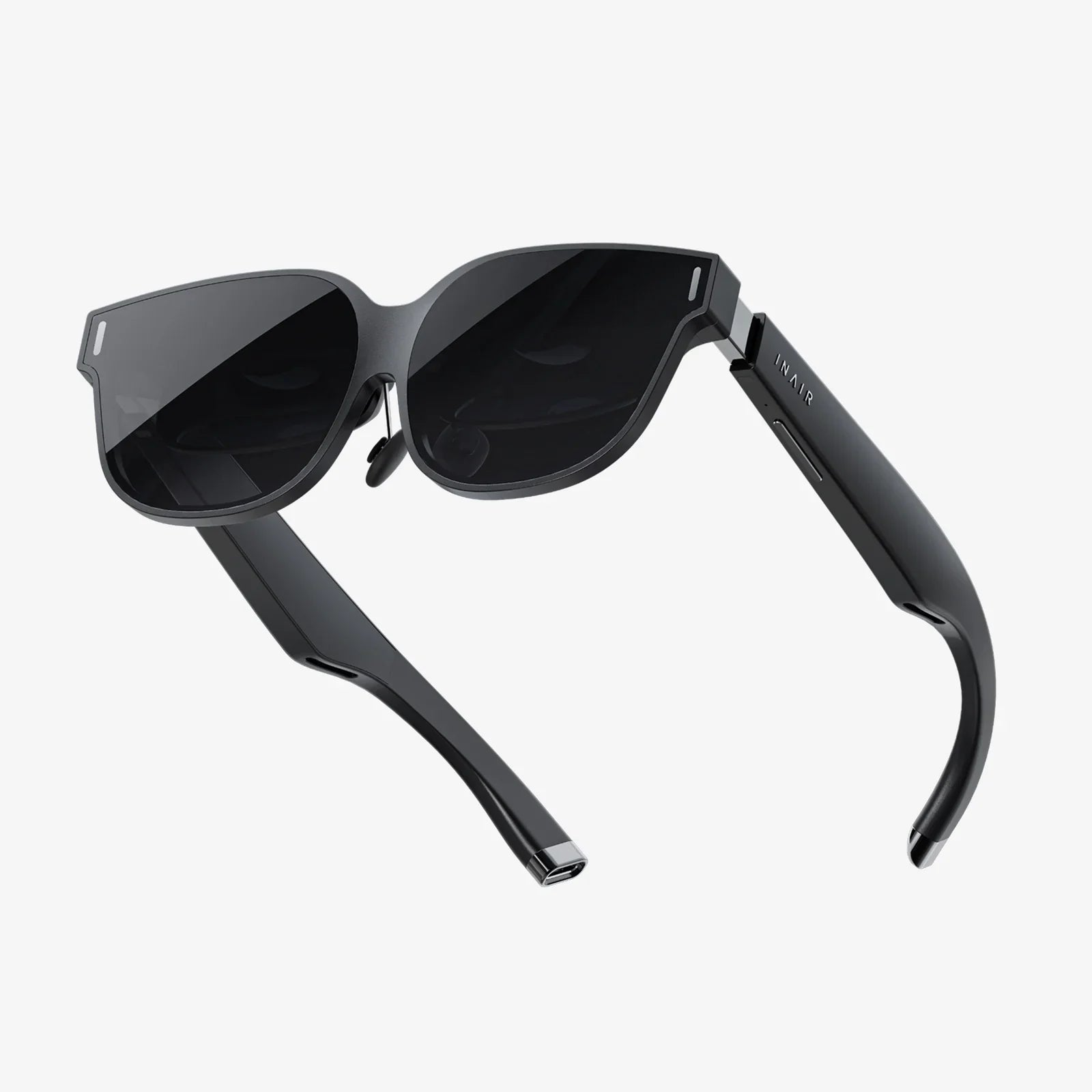
Imagine stepping through a portal into another reality, where every detail is razor-sharp, your movements are tracked with flawless precision, and the virtual world responds to your every gesture without a hint of delay. This is the pinnacle of virtual reality, an experience reserved for those who seek the absolute best and is only achievable through the raw, untethered power of a high-end personal computer. The quest for this sublime immersion leads to one critical piece of hardware: the PC-connected VR headset. This isn't just about playing games; it's about unlocking the full potential of virtual worlds for groundbreaking design, revolutionary social interaction, and breathtaking exploration. If you're ready to leave compromises behind and demand the most visually stunning and physically responsive VR possible, then you're in the right place.
The Unmatched Power of a Wired Connection
While wireless and standalone VR solutions offer commendable convenience and freedom, they inherently operate under significant technical constraints. Battery life, thermal management, and the need for miniaturization all limit the computational horsepower available. A PC-connected headset sidesteps these limitations entirely by acting as a pure window into another world, leveraging the formidable GPU and CPU nestled within your desktop computer.
This direct, high-bandwidth connection, typically through a single high-speed cable, allows for a data transfer rate that wireless protocols simply cannot match. It enables the rendering of vastly more complex scenes with higher polygon counts, sophisticated lighting effects like real-time ray tracing, and textures so detailed you feel you could reach out and touch them. The result is a level of visual fidelity and simulation complexity that defines the high-end VR experience. The PC becomes the engine room, and the headset becomes the viewing portal, each excelling at its dedicated task.
Decoding the Specs: What Truly Defines the "Best"?
Identifying the best PC-connected VR headset is not about finding a single winner, but rather about matching a headset's capabilities to your priorities and budget. Several key specifications work in concert to create the final experience.
Display and Visual Fidelity
This is often the first and most noticeable differentiator. Two primary factors are at play: resolution and refresh rate.
- Resolution and PPD: Measured by the number of pixels per eye (e.g., 2160x2160), higher resolution directly reduces the "screen-door effect" (the visible grid between pixels) and increases clarity. However, a more crucial metric is PPD (Pixels Per Degree), which accounts for the field of view. A higher PPD means a sharper, more lifelike image. Modern high-end headsets utilize fast-switching LCD or advanced OLED panels to achieve stunning clarity and color.
- Refresh Rate: Measured in Hertz (Hz), this dictates how many times the image refreshes per second. Rates of 90Hz, 120Hz, and even 144Hz are common. A higher refresh rate translates to smoother motion, which is critical for both immersion and comfort, significantly reducing the potential for simulation sickness, especially in fast-paced applications.
Tracking Precision: Inside-Out vs. External Sensors
How the headset understands its position in your room and the location of your controllers is fundamental to presence.
- External Sensor Tracking (Outside-In): This traditional method uses laser-emitting base stations placed around the room to precisely track sensors on the headset and controllers. It is renowned for its millimetric accuracy, incredibly robust tracking even behind your back, and is considered the gold standard for competitive applications and professional use.
- Inside-Out Tracking: Modern headsets often have cameras mounted on them that look outward to track the environment. This eliminates the need to set up external sensors, making the system more portable and easier to set up. While its accuracy has improved dramatically and is superb for most users, it can sometimes lose tracking if controllers are held very close to the headset or outside the cameras' field of view.
Field of View (FoV)
FoV is the extent of the observable world seen at any given moment, measured diagonally. A wider FoV, closer to the human natural field of view, increases immersion by reducing the binocular-like "goggle effect." While most consumer headsets range between 90-120 degrees, a greater FoV is a hallmark of premium models, making the virtual environment feel more expansive and natural.
Comfort and Ergonomics: The Long-Haul Experience
A headset can have the best specs on paper, but if it's uncomfortable to wear for more than thirty minutes, it fails as a product. Comfort is multifaceted:
- Weight Distribution: Is the weight front-heavy? The best designs use counter-balancing, rigid head straps, and a well-designed facial interface to distribute weight evenly across the head and cheeks.
- IPD Adjustment: Interpupillary Distance (IPD) is the distance between your pupils. Mechanical IPD adjustment allows you to physically align the lenses with your eyes, which is absolutely critical for achieving a clear, non-blurry image and avoiding eye strain.
- Audio: High-quality, integrated off-ear or on-ear speakers provide spatial audio that enhances immersion without isolating you from your real-world surroundings. Many headsets also feature a standard 3.5mm jack for personal headphones.
The Controllers: Your Hands in the Virtual World
Controllers are your primary interface. The best ones disappear in your hands, feeling like a natural extension of your virtual self. Key features include:
- Ergonomics: They should feel natural to hold for extended periods.
- Haptic Feedback: Subtle, precise vibrations that provide tactile feedback for interactions.
- Tracking: Flawless, low-latency tracking synced with the headset.
- Input Methods: Analog sticks, buttons, triggers, and capacitive touch sensors that can detect finger placement for more natural gestures.
The Software Ecosystem: Where the Magic Happens
The hardware is nothing without the software. The PC VR landscape is rich and diverse, powered by platforms like SteamVR, which offers access to thousands of experiences. This is where the PC's power is fully realized.
Gaming and Experiences
From sprawling, narrative-driven adventures and hyper-realistic flight simulators to intense competitive shooters and creative sandboxes, PC-connected VR hosts the most ambitious and graphically intensive titles. These are experiences built without the hardware limitations of mobile chipsets, designed to push the boundaries of what is possible in virtual reality.
Professional and Creative Applications
Beyond entertainment, this technology is a transformative tool. Architects walk clients through unbuilt designs, medical students practice complex procedures on virtual anatomy, and artists sculpt in 3D space with intuitive tools. The precision, clarity, and power of a PC-connected system are non-negotiable for these professional-grade applications.
Preparing Your Setup: The PC and Space Requirements
To power this dream, you need a capable computer. The recommended specifications are not suggestions; they are requirements to avoid a stuttering, nauseating experience.
- GPU (Graphics Card): The most critical component. You will need a powerful, modern dedicated graphics card. This is the workhorse that renders two high-resolution displays at a very high frame rate.
- CPU (Processor): A modern, multi-core processor is necessary to handle the physics, audio, and logic of the virtual world, ensuring everything runs smoothly.
- RAM: 16GB is the current comfortable standard, with 32GB becoming more desirable for the most demanding titles and creative suites.
- Ports: Ensure your PC has the correct video output (DisplayPort is most common) and sufficient USB ports (often a specific type of USB) required by the headset.
- Play Area: You will need a clear, safe space. This can be a seated or standing experience, but for room-scale VR where you physically walk around, you need an empty area of several square meters. Always mind your physical surroundings.
Looking Forward: The Future of High-Fidelity VR
The evolution of PC-connected VR is far from over. We are steadily marching towards even more immersive technologies that will further blur the line between the real and the virtual. Several key developments are on the horizon:
- Varifocal Displays and Eye-Tracking: Future headsets will use eye-tracking not just for menu interaction but for foveated rendering, a technique that renders only the spot you're directly looking at in full detail, drastically reducing the GPU load and enabling even more complex graphics. This technology could also allow for dynamic focus, mimicking how our eyes naturally work.
- Haptic Feedback and Gloves: The next frontier is touch. Advanced controllers and haptic gloves are in development that can simulate the feeling of weight, texture, and resistance, making virtual objects feel tangible.
- Panckake Optics and Micro-LED: New lens technology promises to make headsets thinner and lighter while providing even better clarity and a wider field of view. Similarly, Micro-LED displays offer the potential for brighter images, perfect blacks, and higher efficiency.
The journey to find the best PC-connected VR headset is a personal one, a balance of budget, desired features, and the experiences you wish to have. It represents a commitment to premium immersion, a refusal to accept the blurry, laggy, or simplistic. It's an investment in the absolute cutting edge of interactive technology, a gateway to worlds of unimaginable detail and responsiveness. By understanding the core technologies and how they contribute to the whole, you empower yourself to make an informed decision. The threshold to these incredible realities awaits; all you need to do is take the step and plug in.
Share:
Good AR Headset: The Definitive Guide to Navigating the Augmented Future
What Is The Best Wireless VR Headset - An In-Depth Guide to Cutting the Cord