


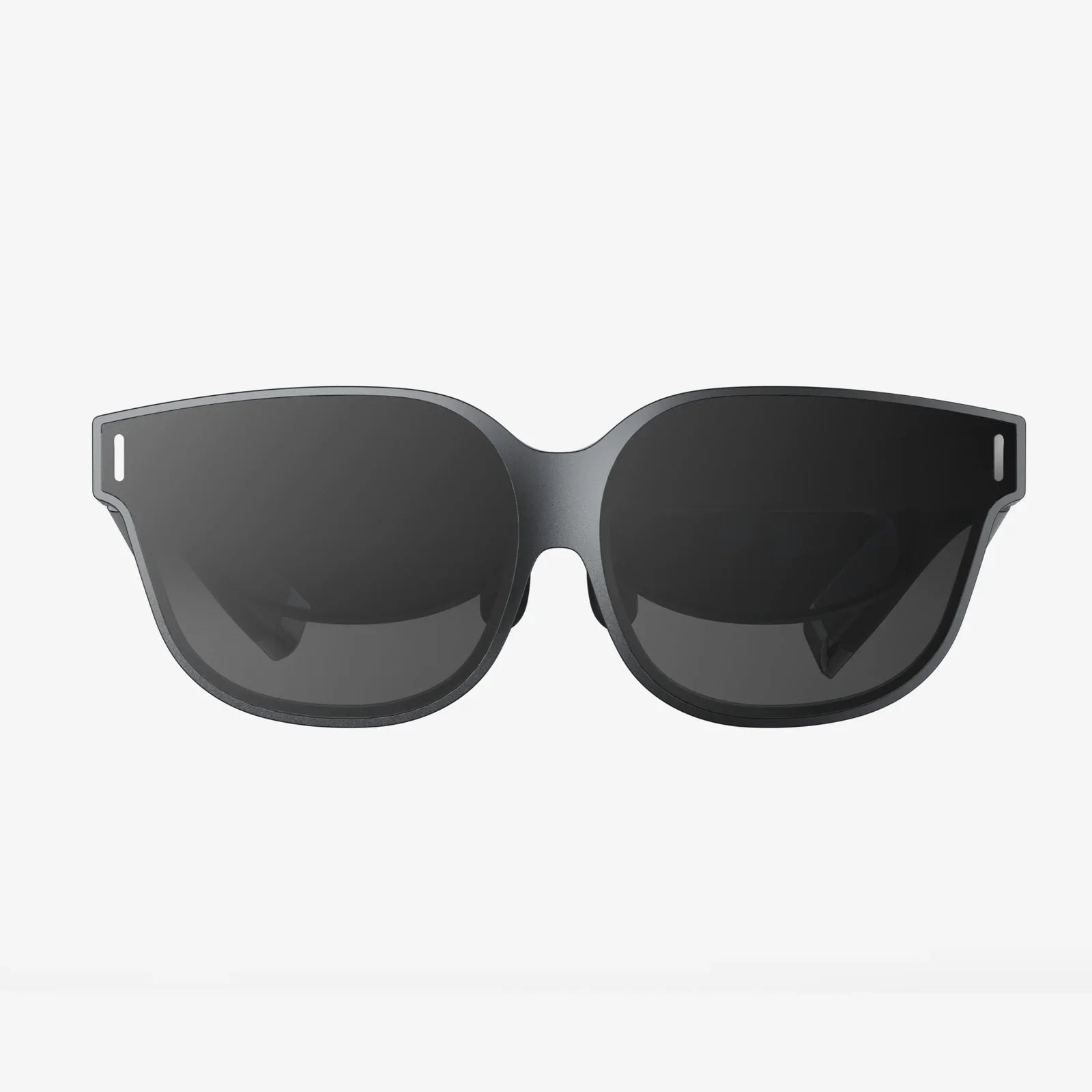
Imagine slipping a sleek, futuristic visor over your eyes and instantly being transported from your living room to the edge of a volcano, the front row of a concert, or the cockpit of a starship. This is the promise of virtual reality, and if you're holding an iPhone 10, you already possess the powerful engine to make it happen. The quest for the best VR headset for iPhone 10 isn't just about finding a plastic shell; it's about unlocking a hidden dimension of entertainment, education, and exploration that's been sitting in your pocket all along. The right headset can transform your device into a gateway to impossible experiences, but the wrong one can lead to frustration and a gadget gathering dust in a drawer. This comprehensive guide will navigate you through the essential considerations, from seamless compatibility to breathtaking immersion, ensuring your journey into VR is nothing short of spectacular.
The Heart of the Experience: Understanding Your iPhone 10's VR Power
Before diving into headset specifications, it's crucial to appreciate the hardware you're working with. The iPhone 10 (also known as iPhone X) was a landmark device upon its release. Its Super Retina HD display, with a resolution of 2436 x 1125 pixels, offers stunning clarity that is the canvas for any VR experience. The OLED technology provides deep blacks and vibrant colors, which are critical for creating a convincing and immersive virtual world free from the washed-out grays of inferior screens.
Under the hood, the A11 Bionic chip with its neural engine remains a capable processor for mobile VR. While it may not push the absolute highest framerates of the latest standalone headsets, it handles a vast library of VR games, 360-degree videos, and interactive experiences with impressive fluency. This raw graphical power ensures that virtual environments are rendered smoothly, minimizing the lag or stutter that can break immersion and, for some, lead to discomfort.
Furthermore, the iPhone 10's robust suite of sensors—including a gyroscope, accelerometer, and proximity sensor—are precisely what a high-quality VR headset leverages to track your head movements. When you turn your head left, the virtual world responds instantly and accurately. This precise rotational tracking is the fundamental baseline for any comfortable VR session and is where the marriage between your phone and the headset begins.
Key Features to Look For in a Compatible Headset
Not all headsets are created equal. The market is flooded with options, from simple cardboard viewers to sophisticated modular systems. Knowing what to look for will separate a gimmick from a genuine portal to new realities.
1. The Perfect Fit: Form Factor and Design
The physical design of the headset is paramount. You'll primarily encounter two types:
- Self-Contained (All-in-One): These headsets have built-in lenses and a compartment where you slot in your iPhone. They often feature adjustable head straps for stability and comfort during extended use.
- Modular (Controller-Based): These systems consist of a separate controller unit that holds the phone and a headset that you look into. This can offer a more premium feel but may involve more setup.
Look for designs that offer ample padding around the eyes and nose bridge to block out all external light (a phenomenon known as light bleed). This is essential for total immersion. Adjustable head straps, preferably with a top strap, distribute the weight evenly across your head, preventing pressure on your face and making longer sessions enjoyable rather than arduous.
2. The Window to Another World: Lenses and Field of View (FoV)
The lenses are arguably the most critical component after the phone itself. High-quality, precision-ground optical lenses are non-negotiable. They focus and reshape the image from your phone's screen into a wide, stereoscopic 3D view. Poor plastic lenses will introduce distortion, chromatic aberration (color fringing), and a blurry image that will strain your eyes and ruin the experience.
Closely related to the lenses is the Field of View (FoV). Measured in degrees, FoV is how much of the virtual world you can see at any one time. A wider FoV (100 degrees or more is excellent for mobile) increases the feeling of "being there" by filling more of your peripheral vision. A narrow FoV can feel like looking through a pair of binoculars, constantly reminding you that you're just looking at a screen.
3. Beyond Looking: Interaction and Control
While many experiences can be controlled by simply gazing at a menu option, true interaction elevates VR. Some advanced mobile headsets come with a simple Bluetooth remote or, more impressively, a dedicated motion controller. These allow you to point, select, and manipulate virtual objects with your hands, adding a profound layer of engagement to games and apps.
For the iPhone 10, which lacks a traditional home button, ensuring the headset's design allows easy access to the side buttons for volume control or screen capture is a small but thoughtful convenience.
4. Comfort is King: Weight Distribution and Materials
A headset that is uncomfortable will never be used. Since the iPhone 10 is not a light phone, the headset must be designed to handle its weight without tipping forward or pressing down on your cheeks. Look for designs that use lightweight yet durable materials and have a counterbalancing mechanism in the strap system. Soft, breathable foam padding that is removable and washable is also a sign of a quality product built for repeated use.
Diving Into the Digital Realm: Apps and Experiences
A headset is merely a vessel; the content is the treasure. The App Store hosts a rich ecosystem of VR content perfectly suited for the iPhone 10.
Gaming and Interactive Adventures
From pulse-pounding horror games where you must evade otherworldly creatures to serene puzzle games set in beautiful landscapes, mobile VR gaming is diverse. Titles are designed to work with either head gaze or an external controller, offering everything from casual to core gaming experiences. You can pilot mechs, explore derelict space stations, or even play a virtual game of chess on a table in front of you.
360-Degree Videos and Virtual Travel
This is one of VR's most accessible and awe-inspiring applications. Platforms like YouTube VR host millions of 360-degree videos. You can stand on the summit of Mount Everest, swim with whales, attend a famous music festival, or witness a rocket launch—all from a first-person perspective. It's the closest thing to teleportation we have today, and the iPhone 10's high-resolution screen makes these experiences vividly real.
Educational and Cultural Exploration
Museums, scientific organizations, and documentarians have embraced VR. You can take a guided tour of ancient Roman ruins, step inside a human cell, or understand the scale of the solar system in a way no textbook could ever convey. It's a powerful tool for learning and empathy, allowing you to walk in someone else's shoes or visit places otherwise inaccessible.
Avoiding the Pitfalls: Common Challenges and Solutions
Mobile VR is incredible, but it has its limitations. Being aware of them ensures realistic expectations.
Battery Life: VR is computationally intensive and will drain your iPhone's battery quickly. It's advisable to start with a full charge and consider a low-power mode for extended viewing sessions. Some advanced headsets even feature a pass-through charging port, allowing you to plug in while playing.
Overheating: Pushing the A11 Binoic chip to its limits can generate heat. If your phone gets too hot, it may throttle performance or display a warning. Using VR in a cool environment and removing the phone from the headset between sessions can mitigate this.
Limited Positional Tracking: Most mobile headsets only offer rotational tracking (knowing when you turn your head). They generally cannot track you moving forward, backward, or crouching (called 6 degrees of freedom, or 6DoF) like high-end standalone or PC-powered headsets can. This means your physical movement within the virtual world is limited, but for most seated and stationary experiences, it is more than sufficient.
The Verdict: Making Your Choice
Choosing the best VR headset for your iPhone 10 is a balance of budget, desired features, and comfort. Prioritize headsets with renowned optical clarity, a comfortable and secure design, and positive user reviews specifically mentioning compatibility with the iPhone X/10's screen size and aspect ratio. Avoid the absolute cheapest options, as they often cut corners on the very lenses and comfort that make VR worthwhile.
Your iPhone 10 is a ticket to a universe of awe-inspiring experiences, waiting patiently for the right key to unlock it. By selecting a headset that champions comfort, visual fidelity, and seamless integration, you're not just buying an accessory; you're investing in a passport to endless adventures, breathtaking landscapes, and stories that unfold all around you. The barrier to entry has never been lower, nor the potential for wonder higher. The next world you explore is just a headset away.
Share:
Can a VR Headset Work on a Laptop? A Complete Guide to Laptop Virtual Reality
How to Charge Your VR Headset Controllers: The Ultimate Guide to Powering Up Your Play