


You've seen the breathtaking trailers, heard the excited testimonials from friends, and felt that pull of curiosity. The world of virtual reality is no longer a distant sci-fi fantasy; it's a vibrant, accessible reality waiting for you to step inside. But the first step, the decision to buy VR glasses, can feel like navigating a labyrinth of technical jargon and conflicting advice. This definitive guide is designed to be your trusted companion, cutting through the noise to provide everything you need to know to make an informed purchase and embark on your own incredible journeys, from the comfort of your living room to the edges of the known universe.
Defining Your Virtual Reality: Understanding the VR Landscape
Before you commit to a purchase, it's crucial to understand the three distinct categories of VR headsets available. Each offers a different balance of power, convenience, and cost, catering to varied needs and lifestyles.
Standalone VR Headsets: Freedom Unplugged
Standalone headsets represent the most significant leap in making VR accessible to the masses. These are all-in-one units; the display, processors, sensors, and battery are all contained within the headset itself. There are no wires tethering you to a powerful computer or game console. This untethered freedom is their greatest strength, allowing you to physically turn, duck, and dodge within your play space without worrying about tripping over a cable.
When you buy VR glasses of this type, you're prioritizing ease of use and convenience. Setup is typically straightforward: put on the headset, define your safe play area (known as a guardian boundary), and you're ready to go. They are generally the most affordable entry point into high-quality VR, as they don't require any additional expensive hardware. The trade-off is raw processing power. While modern standalone devices are incredibly capable, delivering impressive experiences, they cannot match the sheer graphical fidelity and complexity of titles run on high-end gaming PCs. They are perfect for users new to VR, those with limited space, or anyone who values a simple, wire-free experience above all else.
PC-Connected VR Headsets: The Power User's Paradise
For those who demand the absolute pinnacle of visual quality, performance, and immersion, PC-connected (or tethered) headsets are the answer. These devices act as ultra-high-resolution displays. They offload all the heavy computational lifting to a powerful desktop computer, to which they are connected via a high-speed cable.
The decision to buy VR glasses that are PC-tethered is a commitment to premium performance. This path unlocks the most graphically intensive and detailed VR games and simulations. Think vast, photorealistic environments, incredibly complex physics, and a level of detail that can be truly jaw-dropping. The library of available content is also vast, encompassing everything from massive AAA game titles to intricate professional simulation software. The obvious downside is the cost, as you need a VR-ready gaming PC in addition to the headset itself. The cable can also be a slight immersion-breaker, though many enthusiasts use pulley systems to manage it overhead. This option is ideal for dedicated gamers and professionals in fields like architecture or design who need the highest possible fidelity.
Console-Based VR: Plug-and-Play Performance
Sitting in a middle ground are VR systems designed to work exclusively with a specific video game console. These offer a curated, console-like experience: you buy the headset designed for your console, plug it in, and enjoy a library of optimized titles.
The primary advantage here is consistency and ease of use. You don't need to worry about whether your PC meets the minimum specifications; the console provides a standardized hardware target for developers, which often leads to well-optimized and polished experiences. The performance and visual quality typically exceed that of standalone headsets but may not reach the extreme heights of a top-tier PC setup. It's a fantastic option for console gamers who want to expand their horizons without investing in a gaming PC. The ecosystem is more closed than the PC landscape, but the quality of exclusive titles can be exceptionally high.
Beyond the Headset: Key Specifications Decoded
Once you've identified which category of VR is right for you, it's time to dive into the specs. These numbers and terms define your visual experience and comfort.
Resolution and Display: The Window to Another World
Resolution is arguably the most critical spec. It's measured in pixels per eye (e.g., 1832 x 1920). A higher resolution means a sharper, clearer image with less visible "screen door effect" (the faint grid-like appearance that can make it seem like you're looking through a screen door). For a truly immersive experience, look for devices with a combined resolution of at least 3K or higher.
Another key factor is the display technology itself. Most modern headsets use Fast-Switch LCDs, which offer high resolutions and reduced motion blur at a lower cost. Some premium headsets employ OLED displays, which provide perfect blacks, incredible contrast, and more vibrant colors, which can be a significant advantage in dark, atmospheric games.
Field of View (FoV): Expanding Your Horizon
Field of View is how much of the virtual world you can see at any given moment, measured as an angle. A wider FoV (e.g., 110 degrees or more) feels more natural and immersive, as it more closely mimics human peripheral vision. A narrow FoV can feel like looking through binoculars or a scuba mask. While most consumer headsets are in the 90-110 degree range, this is a spec that greatly enhances the feeling of "being there."
Refresh Rate: The Key to Smoothness
Measured in Hertz (Hz), the refresh rate is how many times per second the image on the display refreshes. A higher refresh rate (90Hz, 120Hz, or even 144Hz) results in smoother motion, which drastically reduces the potential for motion sickness and makes fast-paced action feel fluid and responsive. For most users, 90Hz is considered the comfortable minimum, with 120Hz being the sweet spot for high-end gaming.
Tracking and Controllers: Your Virtual Hands
How does the headset know where you are and what you're doing? There are two main tracking systems. Inside-Out Tracking uses cameras on the headset itself to observe the environment and your controllers, eliminating the need for external sensors placed around the room. It's incredibly user-friendly and portable. Outside-In Tracking uses external base stations that emit lasers to precisely track sensors on the headset and controllers. This method is renowned for its millimetric accuracy and is the gold standard for competitive VR gaming and professional motion capture, but it requires more setup.
The controllers are your hands in the virtual world. Look for ergonomic designs with intuitive button layouts, haptic feedback (subtle vibrations that simulate touch), and finger-tracking capabilities, which allow for more natural and expressive interactions.
The Ecosystem is Everything: Software and Content
The hardware is just a gateway; the real value lies in the experiences it enables. Before you buy VR glasses, investigate the content library and platform it uses.
What games are available? Are there exclusives that you're desperate to play? Look beyond gaming, too. Are there compelling social apps, fitness programs, creative tools, or cinematic experiences? A vibrant and active ecosystem with regular new releases is a sign of a healthy platform. Some headsets are locked to a single storefront, while others, particularly PC-based ones, are more open, allowing you to access content from multiple sources. Consider your primary interests—are you a hardcore gamer, a social butterfly, a fitness enthusiast, or a creative professional? Ensure the platform you choose serves those needs.
Setting Up for Success: Preparing Your Space and System
A little preparation ensures your first foray into VR is a magical one, not a frustrating one.
Creating Your Play Area
VR requires physical space. Measure out a clear area, ideally at least 6.5 x 6.5 feet (2 x 2 meters), free of obstacles, low-hanging light fixtures, and fragile items. This is your designated play space. All headsets have a software feature to draw a virtual boundary on the floor; if you get too close to the edge, a grid will appear to warn you. This is essential for safe play.
Hardware Checks (For PC VR)
If you're going the PC route, double-check your system specifications against the headset's requirements. Pay close attention to the GPU (graphics card), CPU (processor), number of available USB ports, and video outputs. A underpowered PC will lead to a stuttering, nauseating experience. Download and install any necessary software or drivers for your headset on your PC before it arrives.
Comfort is King
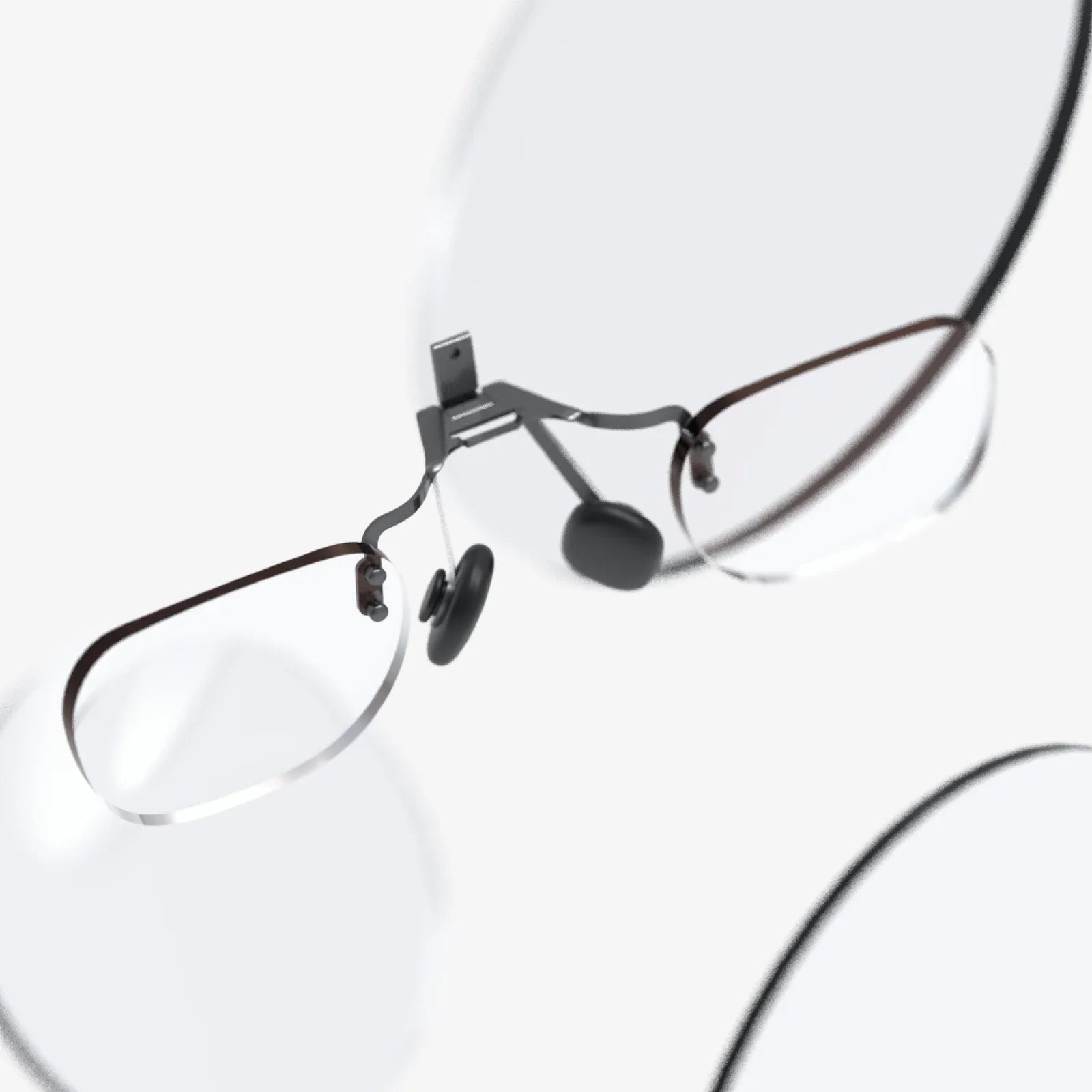
VR sessions can last longer than you expect! Comfort features are not frivolous extras. An adjustable head strap (preferably a rigid halo or elite-style strap), interchangeable facial interfaces for different face shapes, and a properly balanced weight distribution make a world of difference. If you wear glasses, check if the headset has enough space or offers custom prescription lens inserts—a game-changer for clarity and comfort.
Making the Purchase: A Final Checklist
You've done your research. You're ready to click "buy." Here's a final list of considerations:
- Budget: Set a firm budget that includes the headset, any essential accessories (like an upgraded strap or extra battery), and a healthy amount for software.
- Future-Proofing: While technology always evolves, buying a headset from a company with a track record of supporting its devices with software updates is a good idea.
- Reviews: Read and watch recent reviews from trusted tech sources. They often provide nuanced insights that raw specifications cannot.
- Return Policy: Understand the retailer's return policy. VR is incredible, but it's not for everyone. It's good to have an exit strategy if you find it doesn't agree with you.
The journey to buy VR glasses is a thrilling one, filled with the promise of uncharted experiences. It's a passport to concerts with friends from across the globe, a personal gym with fantastical trainers, a canvas for your imagination, and a front-row seat to the next evolution of computing. By arming yourself with the knowledge of what matters most—your preferred type of experience, the key technical specs, and the content you crave—you're not just purchasing a piece of technology. You are making a down payment on infinite adventures, and your front row seat to the future is now just one decision away.
Share:
AI Glasses for Men: The Invisible Revolution Reshaping Daily Life
Define Augmented Reality: The Digital Layer Transforming Our World