


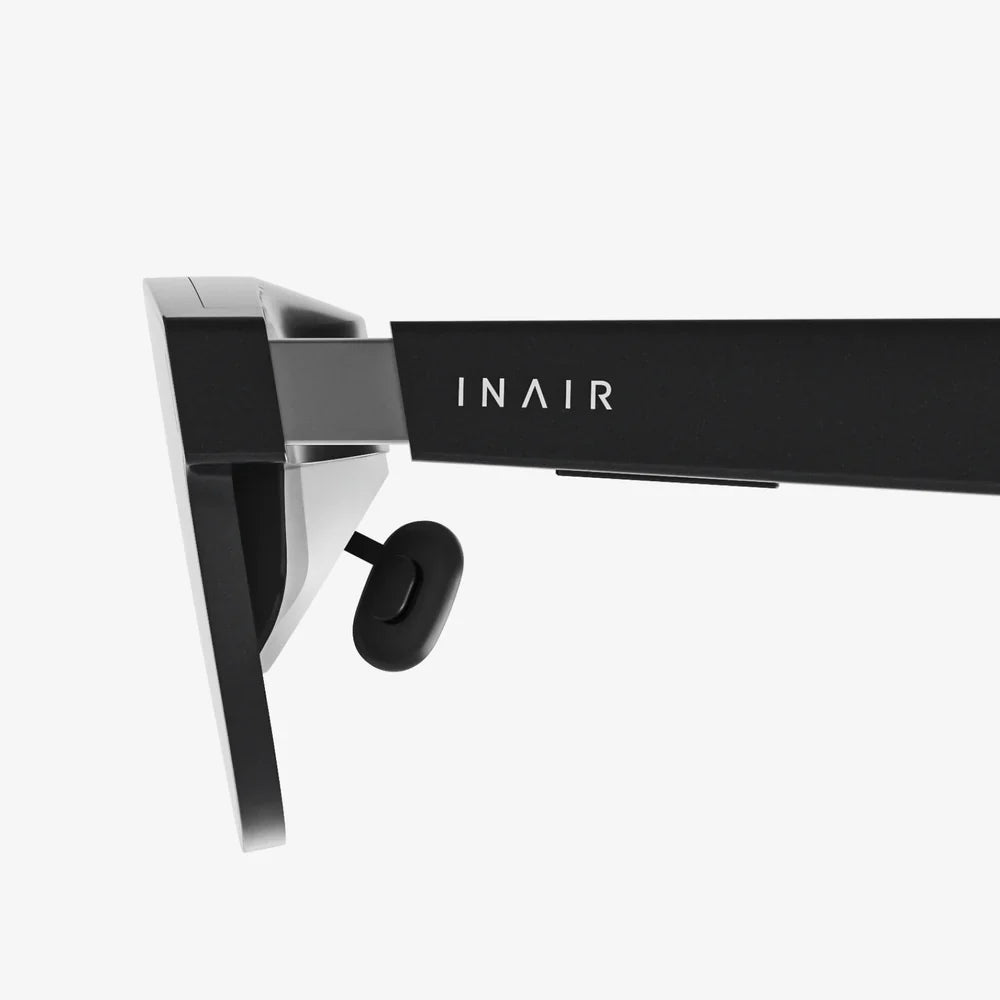
You've meticulously planned your trip, and the thought of whiling away a long-haul flight immersed in a virtual world instead of staring at the seatback in front of you is incredibly appealing. But a nagging question pops into your head as you start packing: can you actually take your prized VR headset on an airplane? The short answer is a resounding yes, but the journey from your living room to 30,000 feet involves a few crucial considerations. Unpacking the rules, regulations, and practical tips will transform a potential travel headache into a seamless, high-flying virtual adventure.
The Short Answer and The Long Journey
Virtually all major airlines and security agencies around the globe permit passengers to carry VR headsets in both their carry-on and checked luggage. There is no specific ban on the devices themselves. However, the journey isn't as simple as just tossing it into your bag. The real considerations lie not with the headset's status as an electronic device but with its components, namely the lithium-ion batteries that power it, and its inherent value and fragility. Understanding this distinction is the first step to ensuring your gear travels safely.
Demystifying TSA and Airline Regulations
Navigating the rules starts with understanding who makes them. In the United States, the Transportation Security Administration (TSA) governs what can pass through the security checkpoint. For international travel, you must also consider the regulations of your destination country's aviation security body.
The Lithium-Ion Battery Conundrum
This is the single most important factor when flying with any personal electronics. The power source for your headset is subject to strict international safety regulations due to the potential fire risk associated with damaged or faulty lithium-ion batteries.
- Carry-On is King: The TSA and international counterparts like the UK's Department for Transport and the European Union Aviation Safety Agency (EASA) strongly recommend that all devices containing lithium-ion batteries be carried in the passenger cabin. This allows crew to quickly access and address any potential incident, such as a battery overheating or catching fire.
- Checked Luggage Restrictions: Spare or loose lithium-ion batteries are strictly prohibited in checked baggage. If your VR headset has a removable battery, you must take that battery out and keep it in your carry-on. For headsets with non-removable, integrated batteries, the entire device is generally permitted in checked luggage, but it is still highly discouraged by aviation authorities. The risk of damage from rough handling leading to a battery short-circuit is far greater in the cargo hold.
- Power Bank Precautions: If you plan to bring a portable power bank to extend your VR session, note that these are also considered spare batteries. They must be in your carry-on, and there are limits on their capacity. Power banks must be under 100 watt-hours (Wh) for most airlines, which covers nearly all consumer models. Some airlines may allow units up to 160Wh with prior approval, but this is rare for personal travel.
The Device Itself: A Non-Issue
The VR headset, as a piece of electronics, is treated no differently than a laptop, tablet, or camera by security personnel. You should be prepared to remove it from your bag at the security checkpoint, just as you would with a laptop. Placing it in a separate bin allows for a clearer X-ray image and can help you avoid a secondary bag search, speeding up the process for everyone.
Packing for Protection: Carry-On vs. Checked Luggage
Your packing strategy is your first and best line of defense against the rigors of travel.
The Superior Choice: Carry-On
For the vast majority of travelers, carrying your VR headset with you in the cabin is the only sensible option.
- Safety: You mitigate the risk of battery-related issues and comply with aviation safety guidelines.
- Security: You maintain physical control over your expensive and fragile equipment, preventing loss, theft, or rough handling.
- Accessibility: You can use it during your flight (where permitted) and ensure it's safe upon arrival.
Invest in a quality hard-shell protective case, preferably the one it came in or a third-party case designed for travel. Use lens covers to prevent scratches. If the original packaging is too bulky, wrap the headset in a soft, anti-static cloth and place it in a padded compartment of your backpack, surrounded by softer items like clothing to absorb shocks.
The Risky Alternative: Checked Luggage
We strongly advise against checking your VR headset. If you absolutely must, perhaps due to carry-on space constraints, take extreme precautions.
- Ensure the battery is removable and take it with you in your carry-on. If the battery is non-removable, confirm with your specific airline that they allow such devices in checked baggage—policies can vary.
- Use a supremely protective, hard-shell suitcase and pack the headset in the center of the bag, surrounded by layers of soft padding (clothes, bubble wrap).
- Accept that checked luggage is handled forcefully. There is a significant risk of damage from impacts, pressure changes, and extreme temperatures in the cargo hold.
Taking to the Skies: Using Your VR Headset In-Flight
This is the moment you've been waiting for—soaring through the skies while soaring through virtual spaces. But before you power up, there's an important etiquette and practicality checklist.
The Golden Rule: Crew Instructions are Law
The most critical factor is the aircraft crew. Flight modes exist for a reason, and your device must be in airplane mode, with its wireless connectivity disabled. Bluetooth is typically allowed, but always wait for the crew to announce that portable electronic devices are permitted for use after takeoff. They will also instruct you to stow all electronics during taxi, takeoff, landing, and turbulence. Your virtual world must wait for the real-world safety procedures to be complete.
Consider Your (Real-World) Neighbors
VR is an immersive experience for you, but it can be a bizarre and potentially disruptive spectacle for those around you.
- Space: Be mindful of your physical movements. A sudden punch or duck in a rhythm game could easily elbow your seatmate. Stick to experiences that require minimal upper-body movement.
- Privacy: Remember that the external passthrough cameras may be recording, which could make fellow passengers uncomfortable. Be aware of your surroundings.
- Sound: Never use the built-in speakers. The sound leak will annoy everyone nearby. Always use a pair of closed-back, noise-canceling headphones, either wired or connected via Bluetooth.
Practical Tips for a Smooth Session
- Pre-Download Content: You will not have internet access. Ensure all games, experiences, and movies are fully downloaded onto the device beforehand.
- Power Management: Long flights drain batteries. If your seat has a USB port or AC power, use it to keep your headset charged. Bring your approved power bank as a backup.
- Comfort: Plan your sessions. Wearing a headset for four hours straight might be uncomfortable. Take breaks to avoid motion sickness and neck strain.
International Travel: A Global Perspective
While the core principles around lithium batteries are standardized internationally thanks to ICAO (International Civil Aviation Organization) guidelines, always double-check.
- Destination Rules: A quick online search for "[Country Name] aviation security electronics" will provide the specific authority's guidelines. For example, the UK's Department for Transport or Australia's Civil Aviation Safety Authority (CASA) have clear websites.
- Customs Considerations: If you are traveling with an extremely expensive professional-grade headset, it might be wise to carry proof of purchase. This can help avoid any questions about whether you are importing the device to sell it, which might incur duties.
Final Checklist Before You Head to the Airport
- [ ] Headset and all cables are in my carry-on luggage.
- [ ] Any removable batteries or power banks are in my carry-on.
- [ ] Power bank capacity is under 100Wh (check the label).
- [ ] My headset is in a protective case or well-padded.
- [ /> All games and movies are downloaded for offline use.
- [ ] I have a pair of wired or Bluetooth headphones packed.
- [ /> I've reviewed my airline's specific policy on electronic devices.
Imagine settling into your window seat, the hum of the engines a gentle backdrop. As the plane climbs above the clouds, you slip on your headset. Instead of a cramped cabin, you're in a first-class virtual theater watching a blockbuster, or perhaps practicing a language with a virtual tutor, or even just gazing at a calming, expansive landscape. This isn't a far-off future of travel; it's a reality available today. By understanding the simple rules of the sky, your next flight can be your most immersive and enjoyable journey yet, both inside your headset and out. The world of virtual reality is waiting—and it's definitely allowed on the flight.
Share:
Standalone Android VR Headset: The Untethered Future of Immersive Technology
AR MR Headset: The Ultimate Guide to the Future of Wearable Computing