


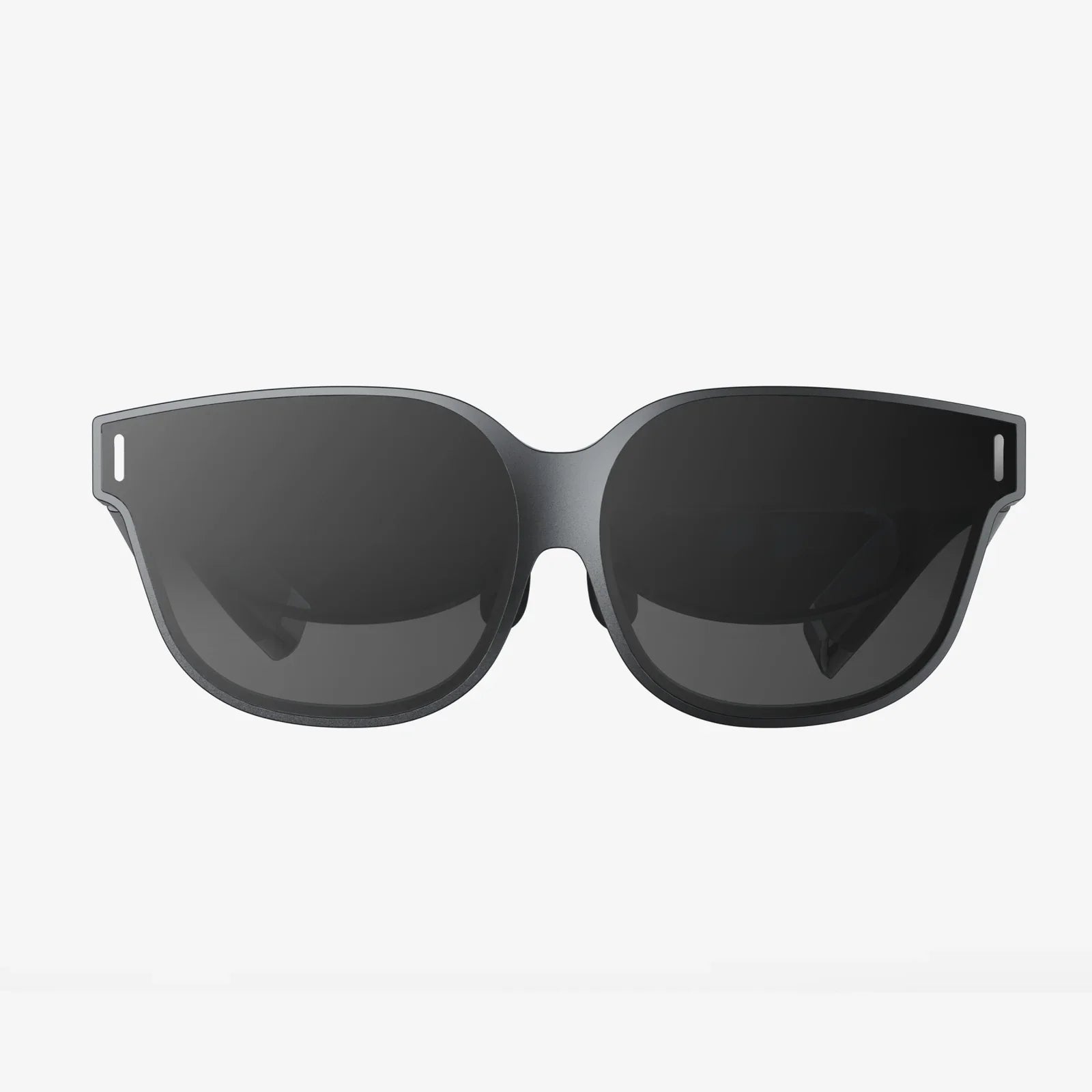
Imagine stepping into another world, exploring fantastical landscapes, and interacting with digital environments in ways you never thought possible—all without emptying your wallet. The dream of affordable PC-powered virtual reality is more accessible than ever, but navigating the market for the cheapest VR headset for PC requires savvy knowledge and a clear understanding of what 'cheap' really means. This isn't just about finding the lowest number on a price tag; it's about unlocking a gateway to immersive experiences that were once the exclusive domain of high-end enthusiasts. The journey to finding that perfect balance of cost and capability starts here, demystifying the options and setting you on a path to smart, budget-conscious VR ownership.
Defining "Cheap" in the PC VR Landscape
In the realm of PC virtual reality, the term 'cheapest' is a relative one. It doesn't merely refer to the initial purchase price of the headset itself. A truly economical VR setup considers the total cost of ownership, which includes the necessary hardware to run it, any mandatory accessories, and the potential for future upgrades. A headset with a tantalizingly low sticker price is a false economy if it requires a prohibitively expensive gaming rig to function or if its poor build quality leads to an early replacement.
When we search for the most affordable entry point, we are typically looking at a specific category: tethered headsets. These devices connect directly to a computer via cables, leveraging its processing power (GPU and CPU) to render the complex virtual environments. This is in contrast to standalone headsets, which have all the necessary computing power built into the device itself. While standalone units offer convenience, tethered PC headsets generally provide a superior, more immersive visual and performance experience for the same price, assuming you already own a capable computer.
Therefore, the quest for the cheapest VR headset for PC is inherently tied to your existing setup. The first and most critical step is not browsing online stores, but opening your computer's system information and checking its specifications against the minimum and recommended requirements of the headsets you consider. This will instantly narrow your field and prevent the heartache of purchasing a device you cannot use.
Key Features to Prioritize (And What to Sacrifice)
Compromise is the name of the game when operating on a tight budget. You cannot expect a budget headset to excel in every category. Understanding which features are essential for a quality experience and which are nice-to-have luxuries will guide your decision-making process.
Prioritize These:
- Tracking Quality: This is arguably the most important factor for immersion. Look for headsets with inside-out tracking, where cameras on the headset itself track the controllers and your movement. This eliminates the need for external base stations or sensors, reducing cost and setup complexity. Ensure the tracking is reliable and has minimal latency.
- Display Resolution & Refresh Rate: While you won't get the highest-end specs, avoid headsets with resolution so low that the "screen door effect" (seeing the lines between pixels) is overwhelming. A refresh rate of at least 90Hz is standard and crucial for preventing motion sickness and ensuring smooth gameplay.
- Controller Design & Ergonomics: You will be holding these for hours. They should feel comfortable, intuitive, and durable. Good budget controllers will have standard button layouts, ergonomic grips, and reliable tracking.
- Comfort: A cheap headset that gives you a headache or neck strain after 20 minutes is a bad purchase. Look for adjustable straps (preferably a rigid halo-style or flexible straps with a top band), balanced weight distribution, and removable, washable face interfaces.
You Can Compromise On:
- Field of View (FOV): High-end headsets offer a very wide FOV that fills your peripheral vision. Budget options will have a narrower FOV, which can feel like looking through binoculars. This is a common and acceptable trade-off.
- Built-in Audio: Many budget headsets have basic audio jacks instead of high-quality integrated headphones. Using your own pair of headphones is an easy and effective workaround.
- Premium Materials: Expect more plastic and less metal or glass. The focus is on function over premium feel.
- Advanced Features: Eye-tracking, variable focal planes, and haptic feedback in the headset itself are cutting-edge features you will not find in budget-friendly models.
The Contenders: Exploring Affordable PC VR Options
The market for PC VR headsets is dynamic, with older models often becoming incredible value propositions as their prices drop. Here’s a breakdown of the types of headsets that typically fall into the affordable category.
The Established Value King
For several years, one headset has consistently dominated the conversation around budget PC VR. It popularized inside-out tracking, eliminating the need for expensive external sensors. While its resolution has been surpassed by newer models, it remains a solid, reliable, and incredibly well-supported entry point. Its extensive library of compatible software and mature platform make it a safe bet for newcomers. You can often find new old stock or excellent condition refurbished units at a fraction of their original launch price, making them arguably the best value proposition on the market.
The Upstart Challenger
A newer contender entered the market with a fierce price-to-performance ratio. This headset often boasts a higher resolution display than the established king, providing a clearer and more detailed image. It also frequently features improved ergonomics and lens quality. However, being a newer player, its software ecosystem and game compatibility can be slightly less polished, sometimes requiring community-driven patches or workarounds for certain games. For the tech-savvy user willing to tinker slightly for a better visual experience, this category can be incredibly rewarding.
The Refurbished & Second-Hand Market
Do not underestimate the value found in the second-hand market. Previous-generation flagship headsets, which were once many hundreds of dollars, can now be found at deep discounts. Purchasing a used headset from a reputable seller can grant you access to a premium build quality and feature set at a budget price. Crucial advice for buying used: meticulously inspect the lenses for scratches (which are impossible to repair), test all controllers for stick drift, and ensure all cables are included and undamaged. Buying refurbished directly from a manufacturer or authorized retailer often provides a warranty, offering peace of mind that a private sale cannot.
The Hidden Costs: Your PC and The Ecosystem
The headset is only one part of the financial equation. To avoid unexpected expenses, you must honestly assess the following:
Your Computer's Capability
Can your PC actually run VR? The minimum specifications are just that—the absolute minimum. Aim for the recommended specs for a enjoyable experience. The most important component is your Graphics Processing Unit (GPU). While some integrated graphics solutions are now claiming VR readiness, a dedicated GPU from the last few generations is highly recommended. Websites offer free tools that can scan your system and compare it to popular headsets' requirements. Furthermore, ensure you have enough available USB ports (often the specific, faster 3.0 type) and a free DisplayPort or HDMI output on your GPU.
Software and Games
The headset is a portal, but the games and experiences are the destinations. Budget for software. While there are excellent free experiences and demos available, the major titles come with a cost. Wishlist games on digital storefronts and buy them during frequent sales. The cost of building a library is a significant part of the long-term investment in VR.
Essential Accessories
Some accessories move from "nice-to-have" to "essential" for comfort and longevity. These include:
- Rechargeable Batteries: VR controllers are power-hungry. A good set of rechargeable AA batteries and a charger will save you money and frustration.
- Additional Face Covers: Foam interfaces absorb sweat. Having a spare, or upgrading to a hygienic pleather or silicone cover, is great for hygiene, especially if multiple people use the headset.
- Cable Management System: For tethered headsets, a simple pulley system attached to your ceiling dramatically improves safety and immersion by preventing you from tripping over the cable.
Setting Up for Success: A Smooth VR Journey
Once you've made your purchase, proper setup is key to ensuring your first experience is a positive one.
- Clear Your Playspace: The most common term you'll hear is "playspace." This is the physical area you clear for VR. Remove any tripping hazards, protect your monitor/TV, and ensure you have enough room to extend your arms and move around safely.
- Lighting Matters: For headsets using camera-based tracking, lighting is crucial. Avoid both extremely bright direct sunlight (which can damage the lenses) and dim, poorly lit rooms. Aim for consistent, diffuse ambient light.
- Run Updates: Before you even plug in your headset, ensure your Windows OS and GPU drivers are fully updated. This prevents most common compatibility issues.
- Follow the Guide: Every headset has a specific setup wizard. Follow it meticulously. Taking the time to properly set your IPD (Interpupillary Distance—the distance between your eyes), adjust the straps for a clear and comfortable fit, and define your guardian boundary (the digital wall that keeps you safe) is non-negotiable for a good experience.
- Start Slow: Your first experience should not be a fast-paced, intense game. Start with something stationary or slow-moving to acclimatize your brain and body to virtual reality. Sessions should be short at first, gradually increasing in length as you get your "VR legs."
The Future of Budget VR
The trajectory of VR technology is one of rapid improvement and simultaneous cost reduction. Features that were once exclusive to premium headsets, like inside-out tracking and higher-resolution displays, are quickly trickling down to budget models. The growth of the standalone VR market is also driving down the cost of core components like displays and sensors, which benefits the entire industry, including PC VR. We can expect future budget headsets to offer even better visual fidelity, wider fields of view, and more advanced features, making the entry point into high-quality PC virtual reality more compelling and affordable than ever before.
The search for the cheapest VR headset for PC is a thrilling hunt for value, a test of your research skills, and ultimately, a ticket to experiences that defy the modest price of admission. By prioritizing smart compromises, understanding the total cost of entry, and setting up your system with care, you can unlock a dimension of gaming and interaction that will redefine your relationship with technology. The virtual world is waiting, and it no longer demands a king's ransom to enter.
Share:
Glasses Friendly Headphones: The Ultimate Guide to Uncompromised Comfort and Audio
Glasses Free 3D Monitor The Future of Visual Technology is Here