


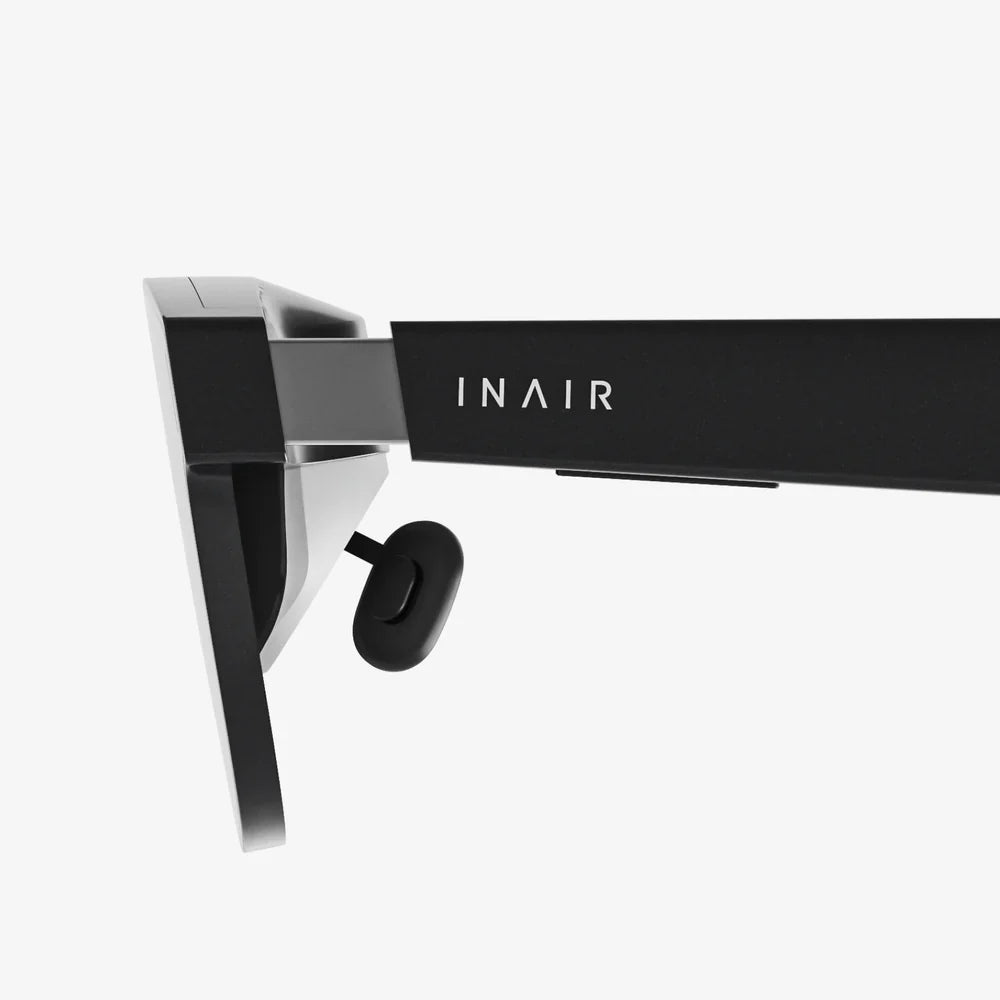
You've just acquired your first pair of VR goggles, and a universe of unimaginable experiences awaits. The thrill of stepping into a virtual world, interacting with digital environments, and experiencing stories in a whole new dimension is just moments away. But before you can slay dragons, explore distant planets, or create 3D masterpieces, you need to master the fundamentals of operation. This definitive guide will transform you from a virtual reality novice into a confident operator, ready to unlock the full potential of your new device.
First Steps: Unboxing and Initial Setup
The journey begins the moment you open the box. Resist the urge to immediately strap the goggles to your face. A methodical approach now will prevent frustration later.
Carefully unpack all the components and lay them out on a clean, soft surface. Your package should include the VR headset itself, one or two motion controllers, charging cables, and possibly additional accessories like base stations for room-scale tracking. Familiarize yourself with each part. Identify the various buttons on the controllers—typically a trigger, grip buttons, analog sticks, and menu buttons. Locate the headset's ports for power, audio, and data transfer.
The next crucial step is preparing your play area. This is not a mere suggestion but a critical component of both safety and enjoyment. Virtual reality is an immersive experience, and it's surprisingly easy to forget the real-world boundaries of your room.
- Clear the Space: Move furniture, coffee tables, lamps, and other obstacles out of the way. You need a wide, open area to move your arms and potentially walk around without risk of injury or damaging your belongings.
- Define Your Boundaries: Most VR systems allow you to trace a virtual boundary, or "Guardian," on the floor. This digital fence will appear as a grid when you get too close to the edge of your play area, warning you to step back. Set this up meticulously.
- Consider the Floor: Ensure the floor is clear of tripping hazards like rugs with curled edges, toys, or cables. If possible, use a small, non-slip mat in the center of your play area to help you orient yourself physically.
- Mind Your Surroundings: Be aware of ceiling fans, low-hanging light fixtures, and ceiling height if you plan on playing games that involve reaching upward.
The Heart of the System: Understanding the Hardware
Operating your goggles effectively requires a basic understanding of what they are and how they work. At its core, a VR headset is a sophisticated piece of technology designed to trick your brain into believing you're somewhere else.
The headset itself contains two high-resolution lenses and screens (one for each eye) that display a stereoscopic image. This creates the illusion of depth and scale. Between the lenses and your eyes, you'll find a crucial component: the IPD (Interpupillary Distance) adjustment. This is often a small physical slider on the top or bottom of the headset. Adjusting this to match the distance between your pupils is not optional—it is essential for achieving a clear, comfortable image and preventing eye strain and headaches. Take the time to adjust this correctly.
Headset designs vary, but most feature a sturdy, adjustable head strap system. There is typically a top strap that goes over your head and a rear strap that cradles the back of your skull. The goal is to distribute the weight evenly, not to clamp the device to your face with excessive force. The front of the headset, known as the facial interface, is usually made of a soft, comfortable foam or silicone material that blocks out external light.
The controllers are your hands in the virtual world. They are tracked by the headset's external cameras or external sensors, translating your real-world movements one-to-one into the digital space. They are packed with sensors, including accelerometers and gyroscopes, to detect every tilt, swing, and gesture.
Powering On and Diving Into the Software
With your space prepared and your hardware understood, it's time to power on. Ensure the headset is charged or plugged into a power source. Put on the headset, adjusting the straps until it feels secure but not tight. The image should be clear, and the headset should not wobble excessively when you move your head.
You will likely be greeted by a setup wizard. Follow the on-screen instructions carefully. This process usually involves:
- Connecting to Wi-Fi: A stable internet connection is vital for downloading apps, games, and updates.
- Pairing Your Controllers: The system will guide you through syncing your controllers. This often involves holding down specific buttons to put them into pairing mode.
- Setting Up Room Tracking: You will be asked to define your play area. This is where you trace your Guardian boundary. For systems that require it, you may need to place base stations in opposite corners of your room and ensure they have a clear line of sight.
- Exploring the Dashboard: Once setup is complete, you'll find yourself in the VR home environment or dashboard. This is your operating system in VR. Spend time here. Look around. Practice navigating the menus with your controllers. Learn how to open apps, adjust settings, and return home.
Mastering Navigation and Control
VR interaction is different from using a traditional console controller. The learning curve is shallow but important to climb. Navigation within VR environments typically uses one of two primary methods:
- Teleportation: This is the most common comfort option, especially for new users. You point your controller to a spot on the ground and press a button to instantly move there. This eliminates the potential for motion sickness associated with artificial movement.
- Smooth Locomotion: This method uses the analog stick on the controller to move your character forward, backward, and sideways, much like a traditional first-person video game. This offers greater freedom of movement but can induce vertigo or nausea in some users until they develop their "VR legs."
Interaction is where VR truly shines. To pick up an object, you simply move your virtual hand over it and press the grip button. To throw, make a natural throwing motion while releasing the grip. Buttons, levers, and switches are operated by pressing the trigger or other buttons while your hand is near them. The key is to think of the controllers as extensions of your own hands and to act naturally.
Advanced Operation and Optimization
Once you're comfortable with the basics, you can delve into advanced features that greatly enhance the experience.
Passthrough Mode: This is one of the most useful features of modern VR goggles. It uses the headset's external cameras to display a black-and-white or color video feed of your real-world surroundings directly inside the headset. You can activate this to quickly find your controller, take a sip of water, or check on a pet without removing the headset. It's also invaluable for re-orienting yourself within your play space.
Customization: Dive into the settings menu. Here you can adjust a wealth of options:
- Visual preferences like brightness and color saturation.
- Controller haptic feedback strength.
- Guardian sensitivity.
- Audio settings and microphone preferences.
Social Features and Casting: VR is not a solitary experience. Most platforms have robust social systems. You can add friends, join them in multiplayer games, and even hang out in social hubs. Furthermore, you can "cast" your VR view to a television, monitor, or smartphone. This allows others to watch what you're experiencing, making VR a more shared and entertaining activity for everyone in the room.
Essential Safety and Comfort Protocols
Operating VR goggles safely is paramount. The immersive nature of the technology presents unique risks that must be managed.
- Take Regular Breaks: Experts recommend taking a 10- to 15-minute break for every hour of use. This prevents eye strain, fatigue, and the buildup of motion sickness. Set a timer if you have to.
- Listen to Your Body: If you start to feel dizzy, nauseous, sweaty, or uncomfortable in any way, stop immediately. Do not "power through" VR sickness. It will only get worse. Return to the experience later.
- Stay Hydrated: The physical nature of many VR experiences can be deceptively taxing. Keep a bottle of water nearby and hydrate during your breaks.
- Supervise Children: If children are using the headset, adult supervision is non-negotiable. Not only for their physical safety but also to monitor the content they are accessing and the duration of their play sessions.
- Clean Your Gear: Regularly wipe down the facial interface and controllers with the appropriate cleaning wipes to maintain hygiene, especially if multiple people are using the device.
Troubleshooting Common Operational Issues
Even with proper operation, you may encounter hiccups. Here’s how to solve common problems:
Blurry Image: This is almost always an adjustment issue. First, ensure the headset is sitting correctly on your face. Then, use the IPD slider to fine-tune the lens separation. Finally, many headsets allow you to physically shift the lens assembly slightly closer or farther from your eyes; find the "sweet spot" where the text is sharpest.
Controller Tracking Loss: If your virtual hands are jittery, floating away, or not responding, check the lighting in your room. Extremely bright or very dim light can interfere with inside-out tracking. Also, ensure there are no highly reflective surfaces (like mirrors or windows) in view of the headset's cameras, as they can confuse the tracking algorithms.
Poor Performance or Stuttering: If the image is choppy, first try closing any unnecessary applications running on a connected computer. If the issue persists, a full restart of the headset (power it down completely and reboot) often resolves temporary software glitches.
The world of virtual reality is vast, breathtaking, and constantly evolving. By mastering these operational fundamentals—from crafting a safe play space and adjusting your IPD to navigating with confidence and utilizing passthrough—you have built a solid foundation. You are no longer just a user; you are an operator, equipped with the knowledge to explore, create, and play without limits. Now, the real adventure begins. Strap in, power on, and step through the gateway—your new reality is waiting.
Share:
Wearable for Windows: The Ultimate Guide to a Seamless Connected Ecosystem
Wearable Tech Market Growth: An Unstoppable Force Reshaping Our Daily Lives