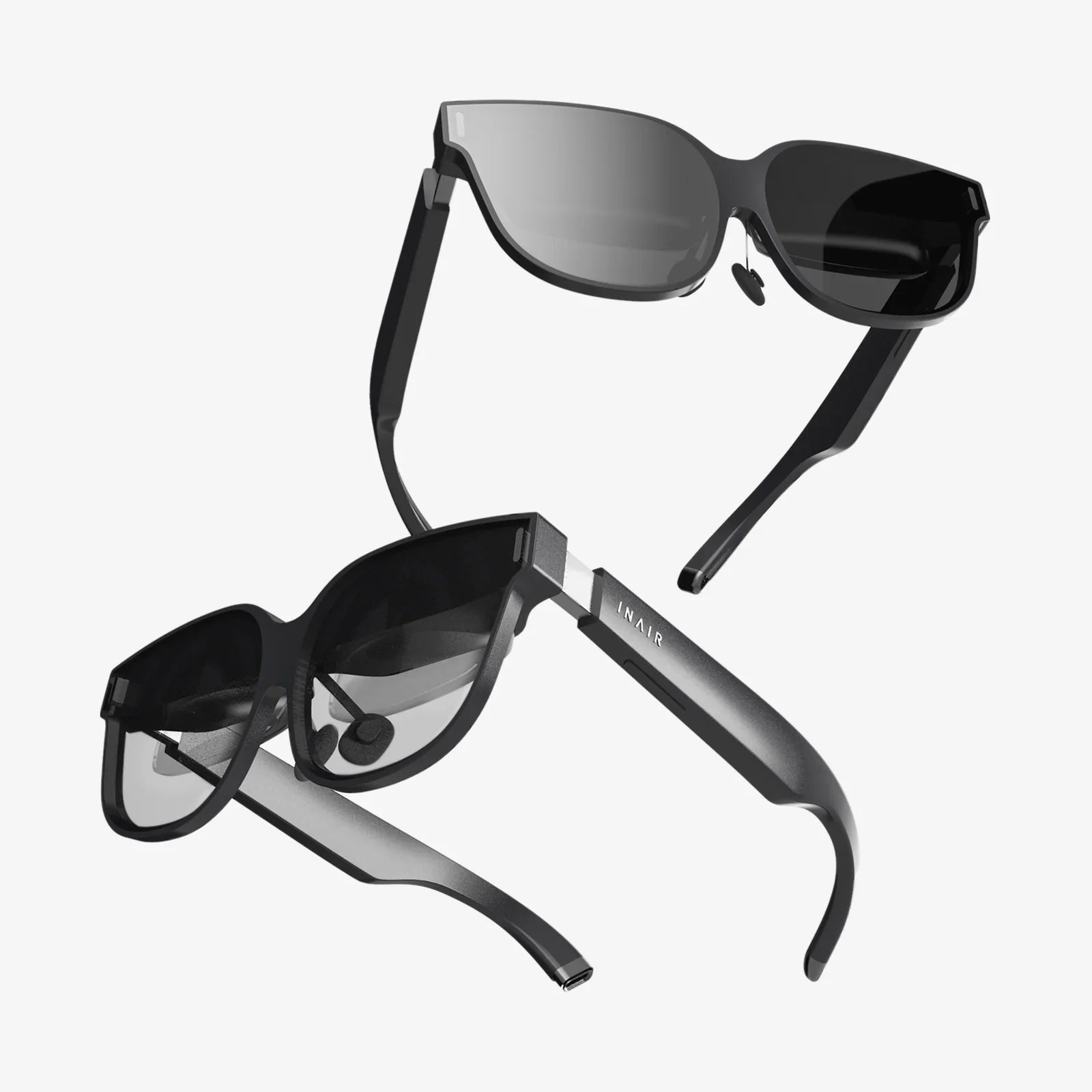
Imagine a world where your digital life doesn't end at the screen of your computer; it flows seamlessly onto your wrist, into your ears, and enhances your reality. This isn't a glimpse into a distant sci-fi future—it's the reality being built today by the powerful synergy between the Windows operating system and a new generation of sophisticated wearables. For millions of users, the PC is the command center of their digital existence, and the ability to extend that command center onto their person is revolutionizing how we work, play, and monitor our well-being. The era of the truly connected, intelligent wearable for Windows is here, and it promises to untether us from our desks while keeping us more informed and in control than ever before.
The Evolution of the Wrist: From Simple Notifications to a Powerful Companion
The journey of the modern wearable began as a humble extension of the smartphone, designed primarily for fitness tracking and mirroring mobile alerts. Early attempts at integration with desktop operating systems were often clunky, relying on third-party applications that provided limited, sometimes unreliable functionality. The connection was an afterthought, not a core feature.
Today, that paradigm has shifted dramatically. Recognizing that the modern professional often works within a sprawling ecosystem of devices, developers and hardware makers have placed a significant emphasis on creating a native, robust experience between wearables and the Windows platform. This evolution has been driven by several key technological advancements:
-
Refined Connectivity Protocols: The move from basic Bluetooth Classic to low-energy protocols like Bluetooth Low Energy (BLE) has enabled constant, persistent communication between a wearable and a Windows PC without draining the device's battery. This always-on link is the foundation of the instant notification syncing and remote control features we now take for granted.
-
Standardized API Frameworks: Microsoft's own software development frameworks have matured, allowing developers to create more deeply integrated applications. Universal Windows Platform (UWP) ideas, though evolving, helped pave the way for experiences that could run across desktop, tablet, and, by extension, companion devices like wearables with a more consistent codebase.
-
Cloud Synchronization: The ubiquity of cloud services means that data from your wearable doesn't have to sync solely through a direct Bluetooth connection to your phone first. Health metrics, app settings, and even notification states can be synced across all your devices, including your Windows PC, via the cloud, creating a more resilient and flexible ecosystem.
Core Functionalities: What Can a Windows Wearable Actually Do?
The value proposition of a wearable designed to work with Windows is multifaceted, extending far beyond simple step counting. These devices act as a remote control, a dashboard, and a guardian for your digital life.
Productivity Powerhouse
For professionals tethered to their Windows machines, a capable wearable becomes an indispensable tool for managing workflow and minimizing distractions.
-
Intelligent Notification Management: This is the killer app. Instead of constantly glancing at your phone or being interrupted by every email pop-up on your screen, your wearable filters everything through a tactile, discreet interface. A gentle vibration alerts you to a new calendar appointment, an important email from your boss, or an urgent message. You can then decide, with a quick glance at your wrist, whether it requires immediate attention on your PC or can wait. This context-switching saves immense cognitive load throughout the day.
-
Media Control: Whether you're listening to a streaming music service, a podcast app, or a video on your PC, your wearable likely has media playback controls. Play, pause, skip tracks, and adjust volume directly from your wrist without needing to alt-tab to the correct window. This is perfect for presentations, deep work sessions, or simply controlling background music.
-
Email and Message Triaging: Many wearables allow you to read full emails or messages directly on the device. While crafting a lengthy reply on a tiny screen is impractical, you can quickly archive, delete, or send a pre-written quick reply (e.g., "I'm in a meeting, will respond shortly"). This allows for instant inbox management without ever touching your mouse.
-
Calendar and Reminder Integration: Your daily schedule and timely reminders are always visible, ensuring you never miss a meeting or a deadline. Haptic alerts for upcoming events provide a subtle nudge that is far less disruptive than a full-screen pop-up notification.
Health and Wellness Guardian
The health-tracking capabilities of modern wearables are profound, and when synced with a Windows PC, this data becomes part of a larger health narrative.
-
Activity Tracking: Step counting, distance traveled, and calories burned are standard. This data is often summarized in a companion Windows application, providing detailed charts and historical trends that are easier to analyze on a large screen.
- Advanced Health Monitoring: Many devices now include continuous heart rate monitoring, blood oxygen saturation (SpO2) sensors, and sophisticated sleep stage analysis. This biometric data can be critical for athletes optimizing training, individuals monitoring specific health conditions, or anyone simply gaining a deeper understanding of their body's rhythms.
-
Stress and Mindfulness: Using heart rate variability (HRV) and other metrics, wearables can now prompt users to take moments for guided breathing exercises or mindfulness sessions, directly from the wrist. These prompts can be a welcome break during a stressful workday on your computer.
System Integration and Remote Features
The deepest level of integration turns the wearable into a genuine remote control for the Windows OS itself.
-
Find My Device: Can't remember where you left your tablet or laptop? Use the "Find My Device" feature often integrated into companion apps to make your PC play a sound from your wrist.
-
Camera Shutter: Use your wearable as a remote shutter for your PC's camera, perfect for taking hands-free group photos or presentations without running back to the keyboard.
-
Presentation Control: Advanced wearables can be configured to control PowerPoint presentations, acting as a clicker to advance slides right from your wrist.
Choosing the Right Wearable for Your Windows World
Not all wearables are created equal, and their integration with Windows can vary. Here are key factors to consider:
-
Companion App Quality: The experience is almost entirely dictated by the quality of the official companion application available in the Microsoft Store. Look for an app that is frequently updated, feature-rich, and stable. Read recent reviews to gauge user satisfaction.
-
Connectivity Method: Does the device connect directly to the PC via Bluetooth, or does it rely on syncing through your phone's cloud? Direct Bluetooth connection typically allows for lower-latency notifications and remote control features.
-
Battery Life: Consider your usage pattern. If you want to use sleep tracking, you'll need a device that can last 24 hours or more on a single charge. Devices with always-on displays are convenient but consume more power.
-
Ecosystem Lock-in: Some wearables are designed to work best within a specific brand's ecosystem. While they will work with Windows, their deepest integration might be with their own services. Ensure the core features you care about are fully functional on Windows.
The Future is Wearable and Seamless
The trajectory is clear: the line between our personal computers and our personal wearables will continue to blur. We are moving towards a future of ambient computing, where intelligence is distributed across all our devices, working in concert. For the Windows ecosystem, this could mean:
-
Deeper OS-Level Integration: Imagine system-wide "Focus Assist" settings that are automatically triggered based on your calendar events detected on your wearable, or battery level alerts for your PC appearing on your wrist.
-
Augmented Reality (AR) Convergence: As AR glasses mature and become a new form of wearable computer, their primary tether and processing power could come from a Windows PC in your bag, with the glasses acting as a private, boundless display. Your wearable wrist device would naturally act as the input controller for this mixed-reality environment.
-
Predictive and Proactive Assistance: Leveraging AI and the vast amount of health and activity data collected, your wearable could proactively suggest you take a walk after an hour of inactivity detected by your PC, or warn you of rising stress levels during a demanding work period, suggesting a break before you even feel overwhelmed.
The potential locked within the partnership of a powerful Windows PC and an intelligent wearable on your wrist is only just beginning to be unlocked. This isn't just about getting notifications faster; it's about creating a more intuitive, efficient, and healthier relationship with the technology that powers our lives. It’s about building a digital ecosystem that respects your focus, empowers your productivity, and guards your well-being, all from a device that’s with you every moment of the day. The next time you sit down at your computer, the most powerful tool at your disposal might not be on your desk—it might already be on your wrist, waiting to connect you to a smoother, smarter way of working and living.