


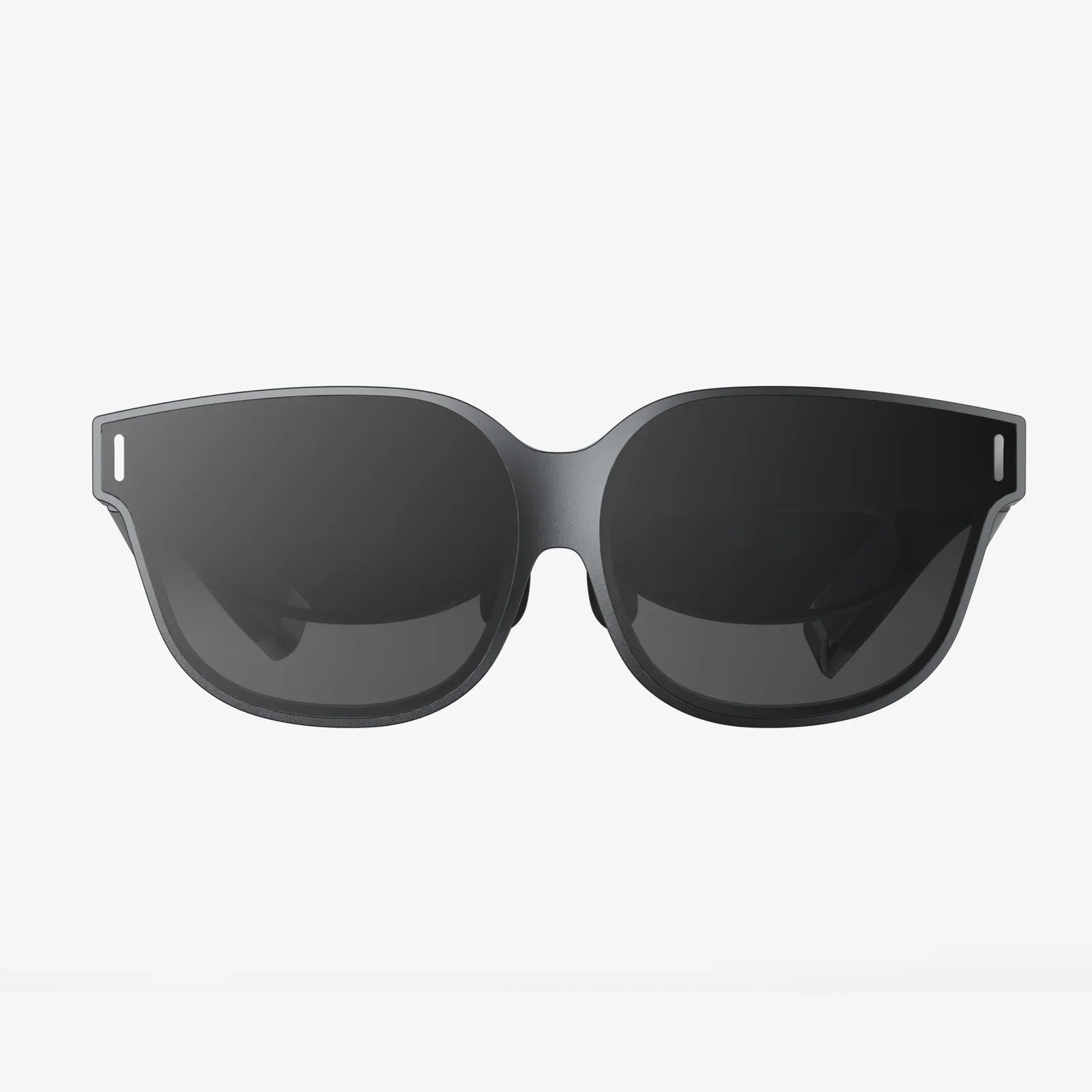
You’ve seen the videos, heard the stories, and felt that pull of curiosity. The thought has solidified into a clear, exciting intention: I want a VR headset. Stepping into a virtual world is no longer a distant sci-fi fantasy; it’s an accessible, breathtaking reality waiting on your doorstep. But with a rapidly evolving market and a plethora of options, where do you even begin? This definitive guide is your first step, your trusted companion on the journey from curious observer to immersed explorer. We’ll demystify the technology, break down the choices, and equip you with everything you need to make an informed decision and embark on your own virtual adventures.
Understanding the VR Landscape: More Than Just a Screen on Your Face
Virtual Reality is often misunderstood as simply a high-resolution display worn like a pair of goggles. In truth, it’s a sophisticated symphony of technologies working in concert to trick your brain into believing you are somewhere else. This phenomenon is known as presence, and achieving it is the ultimate goal of any high-quality VR system.
At its core, a VR headset, or Head-Mounted Display (HMD), is a portal. It replaces your natural vision with a digital one, tracking your movements to make the virtual world respond to you in real-time. This creates a profound sense of agency and immersion that flat screens cannot match. Whether you dream of exploring alien planets, creating 3D sculptures in mid-air, getting an intense workout, or simply watching a movie on a giant private screen, the right headset can make it happen.
The First Big Choice: Understanding the Three Types of Headsets
Your journey starts with a fundamental decision: what kind of VR experience are you looking for? The market is broadly divided into three categories, each with its own strengths, compromises, and price points.
1. Standalone VR: The All-in-One Gateway
For most people uttering the words "I want a VR headset," a standalone device is the perfect starting point. These are all-in-one units that require no wires, no external sensors, and most importantly, no powerful computer. The processor, sensors, and displays are all contained within the headset itself.
- Pros: Incredibly convenient and user-friendly. Setup is often a matter of turning it on and configuring a guardian boundary. They are wireless, offering complete freedom of movement. They represent a lower initial investment and are fantastic for social, fitness, and media consumption experiences.
- Cons: Processing power is limited compared to a high-end computer. This means graphical fidelity, while impressive for the form factor, is not as rich or detailed as PC-powered VR. The battery life is also a limiting factor, typically offering 2-3 hours of continuous use.
- Ideal For: First-time users, families, those who value convenience and portability, and anyone without a gaming-grade computer.
2. PC-Powered VR: The High-Fidelity Powerhouse
If your primary desire is to experience the absolute cutting edge of graphical fidelity, complex simulations, and the most demanding games, PC-powered VR is the realm to explore. These headsets act as a display and sensor package for a powerful desktop computer, which does all the heavy graphical lifting.
- Pros: Unmatched visual quality, performance, and detail. Access to the largest and most advanced library of VR software, including intricate flight and driving simulators. Often features the highest-resolution displays and the most advanced tracking technology.
- Cons: Requires a significant additional investment in a capable gaming PC if you don’t already own one. You are tethered to the computer by a cable, which can limit movement and introduce a trip hazard. Setup is more complex, often involving external sensors or base stations that need to be mounted around the room.
- Ideal For: Gaming enthusiasts, simulation fans, developers, and users who prioritize top-tier performance and visuals above all else.
3. Console-Powered VR: The Plug-and-Play Experience
Sitting in a middle ground, console-based VR offers a more accessible, plug-and-play high-fidelity experience. By leveraging the consistent hardware of a video game console, these systems deliver quality graphics with a simplified setup process, avoiding the complexity and cost of a gaming PC.
- Pros: Simpler setup than PC VR, often with inside-out tracking (no external sensors). Offers a curated, high-quality experience backed by a major console platform. Generally more affordable than building a VR-ready PC from scratch.
- Cons: You are locked into a specific console ecosystem. The library of available games, while high quality, is smaller than the PC VR landscape. Like PC VR, you are typically tethered to the console with a cable.
- Ideal For: Owners of the relevant console who want an easy path to higher-quality VR without the hassle of PC configuration.
Key Specifications Decoded: What Do All Those Numbers Mean?
Once you’ve chosen your preferred path, you’ll need to compare headsets within that category. The spec sheets can be intimidating, but a few key metrics are most important for your experience.
| Specification | What It Means | Why It Matters |
|---|---|---|
| Resolution | The number of pixels per eye (e.g., 1832x1920). | Higher resolution = sharper image and reduced "screen door effect" (seeing the gaps between pixels). This is crucial for clarity and immersion. |
| Refresh Rate | How many times the image updates per second (Hz). | A higher refresh rate (90Hz and above) leads to smoother motion, which greatly reduces the potential for motion sickness and makes the virtual world feel more real. |
| Field of View (FoV) | The angular extent of the visible world (e.g., 90-110 degrees). | A wider FoV feels more natural, like looking through a diving mask instead of binoculars. It enhances the feeling of being "inside" the world. |
| Tracking | How the system monitors the position of the headset and controllers. | Inside-Out: Cameras on the headset track the environment. Easy setup, portable. Outside-In: External sensors track the headset. Often more precise but less flexible. |
| IPD Adjustment | Ability to physically adjust the distance between the lenses. | Matching the lens spacing to your Inter-Pupillary Distance is vital for visual comfort, clarity, and avoiding eye strain. |
Beyond the Hardware: The Ecosystem is Everything
A VR headset is a doorway, but the experiences are what’s on the other side. Before you commit, investigate the ecosystem that supports it.
- Content Library: What games and apps are available? Is the platform known for exclusive titles you’re eager to play? Check the digital storefront for the headset to see if your must-have experiences are present.
- Social Features: Many modern VR platforms are deeply social. Can you easily meet up with friends, watch movies together, or attend live events? If socializing in VR is a goal, this is a critical factor.
- User Interface: The operating system of the headset, often called the "home environment" or "dashboard," is where you’ll launch apps and configure settings. Look for reviews that mention how intuitive and pleasant this interface is to use.
- Account System: Understand what account is required. Are you tying your VR identity to a broader tech ecosystem (e.g., a social media account or a console account)?
Setting Yourself Up for Success: Practical Considerations
Your physical space and personal needs are just as important as the tech specs.
1. Play Space: Room-Scale vs. Stationary
VR experiences are often categorized by the space they require. Room-scale VR allows you to walk around a defined area, with the virtual world mapping to your physical movements. This is the most immersive format but requires a clear space (typically 6.5ft x 6.5ft minimum). Stationary or seated experiences are played while sitting in a chair or standing in one spot, perfect for simulators, media viewing, or smaller living spaces.
2. Comfort is King
You’ll be wearing this device on your head. Comfort over extended periods is non-negotiable. Look for headsets with good weight distribution, plush facial interfaces, and adjustable straps. If you wear glasses, check for compatibility with inserts or enough space to wear them underneath.
3. The All-Important "VR Legs"
Motion sickness is a common initial hurdle for many new users. Your brain needs time to adapt to the disconnect between seeing movement and not feeling it. Start with comfortable, stationary experiences (like puzzle games or media apps) before gradually moving to more intense ones with artificial locomotion. Always stop at the first sign of discomfort—never "power through" it—and your VR legs will develop over time.
Making the Leap: Your Action Plan
Now that you’re armed with knowledge, it’s time to act. Your decision-making process should follow these steps:
- Set Your Budget: Determine a realistic budget for the headset itself, and if necessary, the accompanying PC or accessories like additional software, carrying cases, or upgraded comfort straps.
- Choose Your Category: Decide between Standalone, PC-Powered, or Console-Powered based on your priorities (convenience vs. power) and existing hardware.
- Research Shortlisted Headsets: Compare the key specs and, most importantly, read and watch recent reviews from trusted tech sources. User reviews on retail sites can also highlight long-term comfort issues or software quirks.
- Check for Compatibility: If going the PC VR route, use a "VR Ready" checker tool to see if your computer meets the specific requirements of the headset you want.
The declaration "I want a VR headset" is the beginning of an incredible journey. It’s a ticket to concerts with friends from across the globe, a personal gym with fantastical trainers, a front-row seat to cinematic stories, and a universe of worlds limited only by imagination. The technology has matured, the content is abundant, and the community is welcoming. Your perfect portal into virtual reality is out there, waiting to be found. All that’s left to do is take the plunge and discover what you’ve been missing.
Share:
AR to MR: The Seamless Convergence Reshaping Our Digital and Physical Worlds
VR and MR Services: The Next Frontier in Digital Transformation