


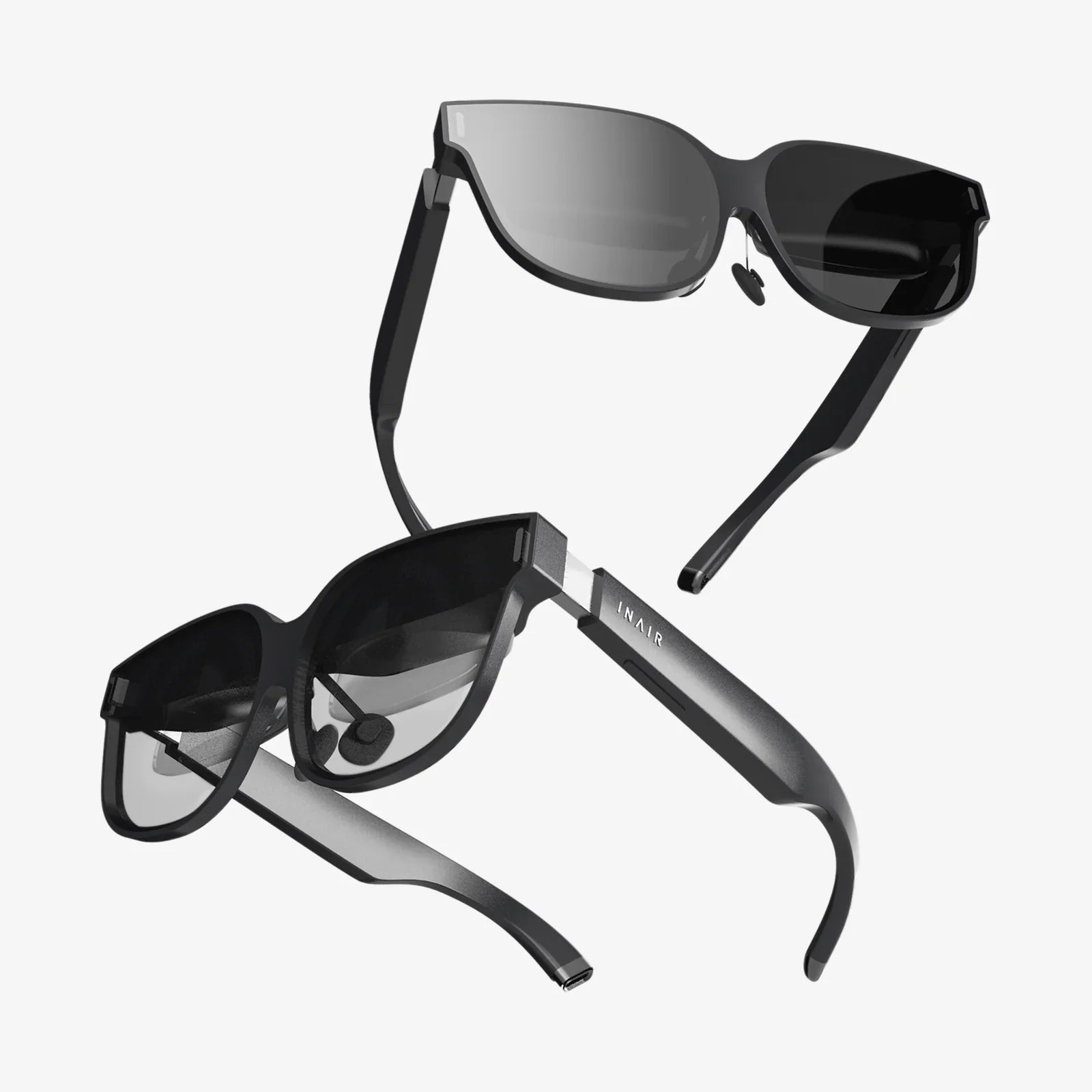
Imagine pulling out a crystal-clear, high-resolution screen from your bag and instantly doubling your digital workspace at a coffee shop, airport lounge, or hotel room. This isn't science fiction—it's the reality made possible by the modern portable computer display, a device that has quietly revolutionized how we interact with technology beyond the confines of traditional offices. For digital nomads, multitasking professionals, and entertainment enthusiasts alike, these sleek secondary screens have emerged as one of the most transformative computing accessories of the decade, offering unprecedented flexibility in how and where we work and play.
The Evolution of Mobile Productivity
The concept of portable displays isn't entirely new, but their adoption and technological refinement have accelerated dramatically in recent years. Early iterations were often cumbersome, requiring complex setups with multiple cables and external power sources that defeated their purpose of convenience. Today's models represent a quantum leap forward—slimmer than most tablets, feather-light, and often powered entirely by the device they extend.
This evolution parallels broader shifts in how we work. The rise of remote work, the gig economy, and digital nomadism has created a burgeoning class of professionals who need full workstation capabilities without being tethered to a single location. Meanwhile, the gaming community has embraced these displays for LAN parties and immersive setups, while content creators use them to monitor feeds and editing tools on location. The portable display has become the great enabler of this borderless digital lifestyle.
Unpacking the Technology: What Makes These Displays Work?
At first glance, a portable computer display appears deceptively simple—a screen in a slim casing. But beneath the surface lies sophisticated engineering that balances performance, portability, and power efficiency.
The heart of any display is its panel technology. Most portable models utilize IPS (In-Plane Switching) panels for their excellent color reproduction and wide viewing angles, crucial for collaborative environments. Advanced models sometimes feature OLED technology, delivering perfect blacks and superior contrast ratios, though often at a higher price point and with potential trade-offs in brightness compared to their IPS counterparts.
Connectivity represents another critical technological frontier. The widespread adoption of USB-C, particularly with support for DisplayPort Alternate Mode, has been a game-changer. This single-cable solution transmits both video signal and power, eliminating the clutter of multiple cables and external adapters. Some displays maintain compatibility with older standards through included adapters, but USB-C has undoubtedly become the universal language of portable displays.
Resolution options have also expanded significantly. While Full HD (1920x1080) remains the sweet spot for balancing sharpness with power consumption, 4K models are increasingly common for photographers, video editors, and anyone requiring pixel-perfect clarity. The emergence of high refresh rate displays (120Hz, 144Hz, or even 240Hz) has also catered to the gaming community, providing buttery-smooth motion in a portable form factor previously unimaginable.
Who Actually Needs a Portable Display? (Spoiler: More People Than You Think)
The obvious beneficiaries are those who work exclusively from laptops and frequently change locations. But the applications extend far beyond this core group.
The Multitasking Professional
Whether you're a programmer needing documentation alongside your code, a financial analyst tracking live data while building models, or a writer researching while composing, the productivity benefits of multiple screens are well-documented. Studies have shown that dual monitors can increase productivity by 20-30%. A portable display transforms any laptop into a dual-monitor workstation, effectively creating a mobile command center.
The Content Creator on the Go
Videographers, photographers, and graphic designers often find themselves reviewing work in suboptimal conditions. A high-quality portable display with accurate color reproduction serves as a reliable reference monitor on location, ensuring that what they see is what their audience will eventually see, regardless of where they're editing.
The Mobile Gamer
Gaming laptops have powerful specs but often compromise on screen size. Portable displays offer a larger, higher refresh rate canvas for immersive gameplay anywhere. For console gamers, some models even function as excellent portable screens for gaming systems, making them perfect for travel.
The Hybrid Worker
For millions who split time between office and home, a portable display serves as a consistent second screen in both environments without the need to purchase duplicate equipment. It ensures workflow continuity regardless of physical location.
Key Features to Consider Before You Buy
Not all portable displays are created equal. Understanding the specifications and how they translate to real-world use is crucial for making an informed decision.
Size and Aspect Ratio: Sizes typically range from 13 to 17 inches. Consider your laptop's size—a display slightly smaller than your laptop can be more portable, while a larger one provides more immersive additional space. Aspect ratios beyond the standard 16:9, such as 21:9 ultrawide, offer unique advantages for timeline-based work like video editing.
Resolution and Pixel Density: Higher resolutions provide sharper text and more screen real estate but may impact battery life and require more graphics processing power. For most users, 1080p on a 13-15 inch display offers excellent clarity, while creative professionals should consider 4K options.
Connectivity Options: USB-C with DisplayPort Alt Mode is the gold standard for single-cable operation. Ensure your laptop supports video output via USB-C. Some displays offer mini-HDMI ports as backups, which can be valuable for compatibility with older devices.
Integrated Features: Many models now include smart features that enhance usability. Built-in stands offer adjustable viewing angles, while magnetic covers can double as protective stands. Some displays feature touchscreen capabilities, effectively turning your laptop into a dual-screen tablet-like device. Integrated speakers, while not replacing dedicated audio solutions, provide convenience for casual use.
Brightness and HDR Support: Measured in nits, brightness is critical for usability in various lighting conditions. A minimum of 250-300 nits is recommended for indoor use, while outdoor visibility requires significantly higher brightness (500+ nits). HDR support can enhance contrast and color range for compatible content.
Transforming Workflows: Practical Applications Across Industries
The theoretical benefits of portable displays become concrete when examining their impact across various professional domains.
Software developers routinely use them to keep documentation, communication channels, or monitoring tools visible while coding on their primary screen. This context-switching without alt-tabbing maintains focus and efficiency.
Academic researchers and students benefit from viewing source materials on one screen while writing papers or analyzing data on another. The ability to spread out digital resources mimics the traditional research desk but in a mobile format.
Digital marketers and social media managers utilize the additional screen to monitor analytics dashboards, scheduled content calendars, or live social feeds while creating content on their main display.
Even customer service representatives working remotely can display knowledge bases and customer information on the second screen while managing tickets and communications on the primary display.
Beyond Productivity: The Entertainment and Gaming Revolution
While productivity gains are significant, the value proposition extends powerfully into leisure and entertainment.
For travelers, a portable display transforms a hotel room into a personal cinema. Paired with a streaming device and Bluetooth speaker, it creates an impressive entertainment system that fits in a carry-on bag. The privacy of your own screen is particularly valuable on public transportation or in shared spaces.
The gaming applications are equally compelling. Beyond the obvious benefit of a larger screen for laptop gaming, portable displays enable local multiplayer for games that support multiple screens. Some console gamers even use them to maintain their gaming routine while traveling, connecting their system to the portable display in their temporary accommodation.
For content consumption, the quality of modern portable displays often surpasses that of many built-in laptop screens, making them ideal for critically viewing photography, art, and film wherever you happen to be.
The Future of Portable Display Technology
The trajectory of portable displays points toward even greater integration and capability. We're already seeing early prototypes of foldable and rollable displays that could further revolutionize portability. The distinction between tablets and portable displays may blur as these devices gain more standalone functionality, perhaps eventually operating independently with built-in computing components.
Wireless connectivity standards like Wi-Fi 6E and future iterations could eliminate cables altogether, while improvements in battery technology might lead to self-powered displays that don't draw from the host device. Augmented reality and virtual reality integrations represent another frontier, where portable displays could serve as both input and output devices for mixed reality environments.
As these technologies mature, the portable display may evolve from an accessory into a central component of our personal computing ecosystems, adaptable to countless scenarios we haven't yet imagined.
Whether you're trying to meet a deadline from a crowded conference hall, extend your gaming battlefield across a hotel room, or simply enjoy a movie with better visuals while away from home, the right portable computer display can transform limited spaces into limitless possibilities. This isn't just about adding another screen—it's about reclaiming your workflow, your entertainment, and your productivity from the constraints of location, proving that sometimes the most powerful upgrades don't come in your computer, but connect to it.
Share:
AR Glasses Mockup: The Indispensable Blueprint for the Next Computing Revolution
Are Virtual Reality Headsets Safe for Eyes? An In-Depth Investigation into Visual Health and Immersive Technology