


You've seen the breathtaking trailers, read the incredible testimonials, and felt that undeniable pull towards a new digital frontier. The decision to purchase a VR headset is an exciting one, promising to unlock worlds beyond imagination, redefine your entertainment, and even transform how you work and connect. But stepping into the virtual reality landscape can feel as vast and confusing as the metaverse itself. Where do you even begin? This definitive guide is your trusted companion, designed to demystify the entire process and ensure that when you finally make that purchase, you're not just buying a piece of hardware—you're investing in a perfect portal to your new reality.
Understanding the Virtual Reality Landscape: More Than Just Games
Before diving into specifications and price points, it's crucial to understand what a VR headset can truly offer. The applications extend far beyond the gaming sphere that initially popularized the technology.
Immersive Gaming and Interactive Experiences: This remains the flagship application. You're no longer just controlling a character on a screen; you are inside the game. Dodging bullets, swinging a lightsaber, solving intricate puzzles with your own hands—the level of immersion is unparalleled.
Social Connection and Virtual Meetings: Platforms exist that allow you to meet friends, family, or colleagues in virtual spaces. You can watch movies together in a digital theater, attend concerts with avatars of real people, or collaborate in a shared 3D workspace, making distance feel irrelevant.
Fitness and Wellness: A growing number of applications are turning workouts into fun, engaging experiences. From rhythm games that get you squatting and swinging to guided meditation apps that transport you to a serene beach, VR is a powerful tool for physical and mental health.
Educational and Training Simulations: Imagine touring ancient Rome, conducting a complex chemistry experiment, or practicing surgical procedures—all without leaving your home. VR provides safe, cost-effective, and deeply memorable learning environments.
Cinematic Viewing and 360-Degree Content: With a VR headset, your living room becomes a personal IMAX theater. Furthermore, you can experience 360-degree videos, placing you at the center of documentaries, travelogues, and live-action events.
The Three Pillars of VR: Decoding Headset Types
The first and most significant choice you'll make is selecting the type of headset that aligns with your needs, budget, and technical comfort. The market is broadly divided into three categories.
1. Standalone VR Headsets: The All-in-One Solution
These are the most accessible and user-friendly devices on the market. As the name implies, everything you need is built directly into the headset. There are no wires tethering you to a powerful computer and no need for external sensors placed around your room.
How they work: A standalone headset has its own mobile processor, storage, battery, and tracking cameras. It is a completely self-contained system.
Pros:
- Unmatched Convenience and Portability: Pick it up and play anywhere, anytime. There's no setup required beyond putting on the headset.
- Affordable Entry Point: Generally, they are the most cost-effective way to experience high-quality VR.
- Perfect for Beginners: The lack of complex setup lowers the barrier to entry significantly.
Cons:
- Limited Processing Power: The graphics and computational power cannot match that of a high-end gaming PC. Experiences are often less visually complex.
- Battery Life: You are limited by the internal battery, typically offering 2-3 hours of continuous use.
Ideal User: The first-time VR user, someone who values convenience and portability, families, or those without a powerful gaming PC.
2. PC-Connected VR Headsets: The Powerhouse Performance
For those seeking the absolute pinnacle of visual fidelity, performance, and experience depth, PC-connected (or tethered) headsets are the gold standard. These devices act as a high-resolution display, but all the processing is handled by a powerful desktop computer.
How they work: The headset connects to a compatible gaming PC via a cable (and sometimes a wireless adapter). The PC's GPU and CPU do the heavy lifting, rendering incredibly detailed and smooth virtual worlds.
Pros:
- Top-Tier Graphics and Performance: Experience the most visually stunning and computationally intensive games and applications.
- Broadest Software Library: Access to vast platforms with thousands of titles, including hardcore sims and mods.
- Potential for Full-Body Tracking: Can be combined with external hardware for a deeper level of immersion.
Cons:
- High Cost: Requires a significant investment not only in the headset itself but also in a high-end gaming PC that meets the often steep system requirements.
- Complex Setup: Involves connecting cables, setting up base stations or sensors, and configuring software.
- Restricted Play Area: The tethering cable can limit movement and poses a tripping hazard, though wireless adapters exist for some models.
Ideal User: The gaming enthusiast who already owns a powerful gaming rig, developers, and professionals who demand the highest quality visuals and performance.
3. Console-Based VR Headsets: The Plug-and-Play Ecosystem
This category offers a compelling middle ground. Designed to work exclusively with a specific video game console, these headsets provide a curated, high-quality experience without the need for a PC.
How they work: The headset plugs directly into the console, which powers the experience. The setup is typically very straightforward, leveraging the console's consistent hardware.
Pros:
- Optimized and Curated Experience: Games are built specifically for the hardware, ensuring smooth performance and polish.
- Simpler Setup than PC VR: It's a more streamlined process than configuring a PC setup.
- Great Value: If you already own the compatible console, it's a cost-effective way to access high-quality VR.
Cons:
- Ecosystem Lock-In: You can only use it with its designated console and its exclusive software store.
- Less Powerful than PC VR: While excellent, the graphics are generally a step below what a top-tier gaming PC can produce.
- Limited Hardware Choices: There are very few options in this category.
Ideal User: The dedicated console gamer who wants to enhance their existing system with premium VR experiences without venturing into PC building.
Key Specifications: What Do the Numbers Actually Mean?
Once you've chosen your preferred headset type, you'll need to compare models based on their technical specs. Don't be intimidated; these metrics directly translate to your comfort and immersion.
Resolution and Display Quality
This is arguably the most important spec for visual clarity. Measured in pixels per eye (e.g., 1832 x 1920), a higher resolution means a sharper, more detailed image with less visible "screen door effect" (the faint grid-like lines between pixels). For a truly crisp image, look for headsets with combined resolutions at or above 4K.
Field of View (FoV)
FoV is how much of the virtual world you can see at once, measured diagonally in degrees. A higher FoV (e.g., 110 degrees vs. 90 degrees) increases the feeling of immersion, making it feel less like you're looking through a pair of binoculars. Most consumer headsets range between 90 and 120 degrees.
Refresh Rate
Measured in Hertz (Hz), the refresh rate is how many times the image on the display updates per second. A higher refresh rate (90Hz and above) results in smoother motion, which is critical for preventing motion sickness and ensuring comfortable, fluid gameplay. Many high-end headsets now support 120Hz or even 144Hz.
Tracking Technology
This is how the headset understands your movement.
- Inside-Out Tracking: Cameras on the headset itself track the environment and the controllers. This is used by most standalone and newer PC headsets. It's convenient and requires no external hardware.
- Outside-In Tracking: External sensors or base stations placed around the room track the position of the headset and controllers. This is often considered more precise and robust, especially for competitive gaming or behind-the-back actions, but requires a more complex setup.
Lens Technology and IPD Adjustment
Good lenses are essential for a clear picture across your entire view. Look for terms like Fresnel or pancake lenses. Equally important is Interpupillary Distance (IPD) adjustment—the ability to physically or digitally adjust the distance between the lenses to match the space between your eyes. Proper IPD adjustment is crucial for visual sharpness and comfort.
Comfort and Ergonomics: The Often-Overlooked Factor
You could own the most technologically advanced headset in the world, but if it's uncomfortable, you won't use it. Comfort is paramount.
Weight and Weight Distribution: A lighter headset is generally better, but how the weight is distributed is more important. A well-designed strap that balances the weight across your head is better than one that pushes all the pressure onto your cheeks.
Head Strap Design: Basic elastic straps are common on entry-level models. For long-term comfort, look for rigid straps with a rear counterweight, often called a "halo" strap, which provides superior support.
Facial Interface: This is the foam or rubber part that touches your face. It should be soft, breathable, and easy to clean. Many manufacturers offer optional interfaces made of materials like silicone or pleather for hygiene, especially during fitness activities.
Setting Your Budget and Hidden Costs
The price of the headset itself is only part of the equation. Be sure to factor in these potential additional costs:
- The Headset: Prices range from a few hundred dollars for a standalone device to over a thousand for a professional-grade PC headset.
- The PC (For PC VR): If you don't already have one, a VR-ready gaming PC can represent a multi-thousand-dollar investment.
- Software and Games: Premium VR titles can cost $30-$60 each. Budget for your desired games.
-
Accessories: These can greatly enhance your experience but add to the cost. Common accessories include:
- Additional face covers for hygiene
- Rechargeable battery packs for standalone headsets
- Premium head straps
- Controller grips and protective covers
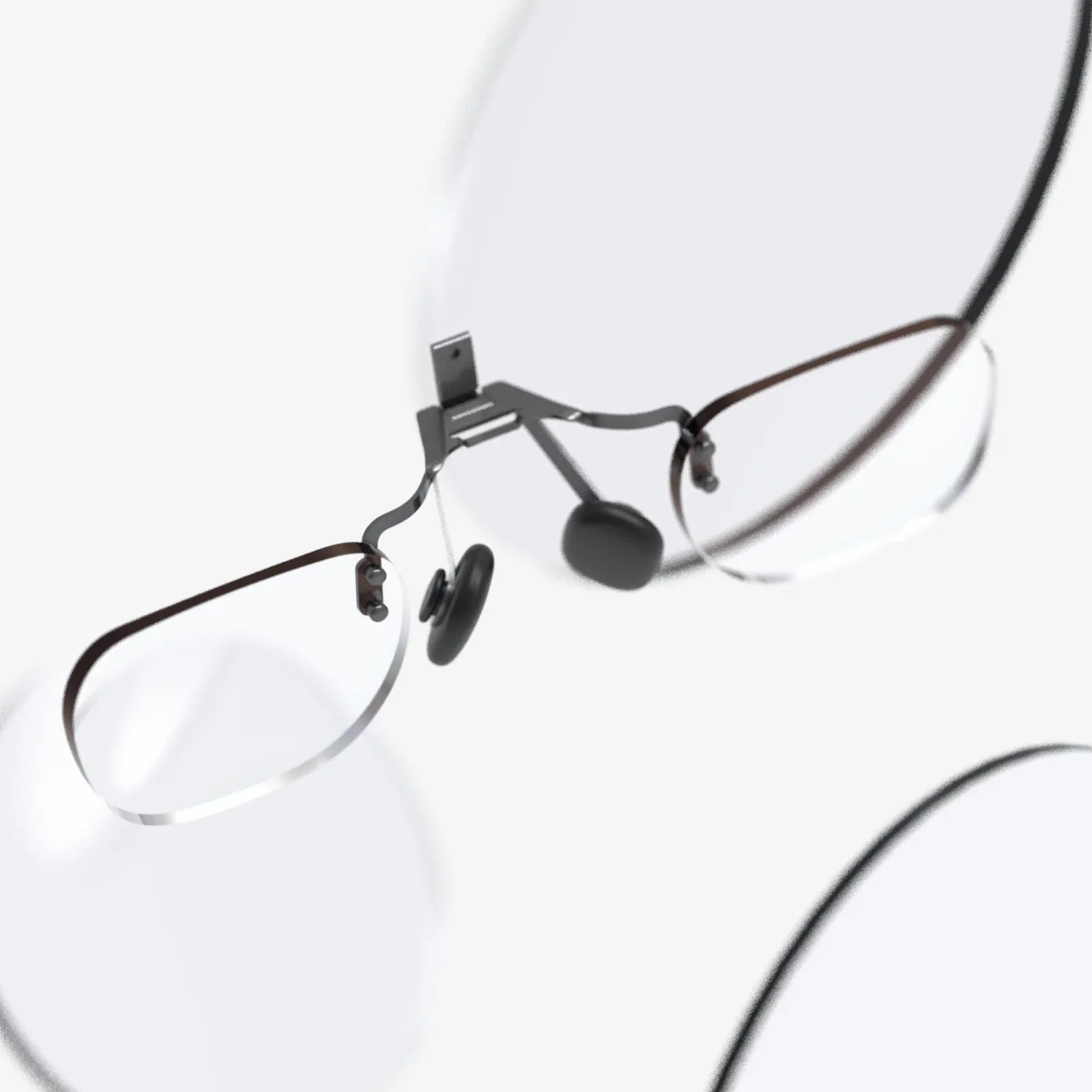
- Lens inserts for those who wear glasses (highly recommended)
- A dedicated VR mat for defining your play space
Future-Proofing Your Investment
VR technology is advancing rapidly. While you can't future-proof completely, you can make a smarter long-term investment.
- Platform Ecosystem: Consider the strength and growth of the headset's platform. A robust store with regular exclusive releases indicates a healthy ecosystem.
- Backward and Forward Compatibility: Check if new software will be compatible with your headset for years to come.
- Technical Capabilities: Features like a high refresh rate and resolution will keep your headset feeling relevant longer as software becomes more demanding.
The journey to purchase a VR headset is a personal one, a balance of dreams and practicalities. It's about matching breathtaking technology with your real-world space, budget, and passions. By arming yourself with this knowledge—understanding the types of headsets, deciphering the specs, and prioritizing your comfort—you move from being a curious bystander to an informed pioneer. You're no longer just making a purchase; you're carefully selecting your window to countless new realities. The virtual door is waiting. All you have to do is take the informed step to open it.
Share:
Augmented Reality Methodology: A Framework for Seamlessly Blending Digital and Physical Worlds
Examples of Extended Reality: From Virtual Worlds to Augmented Workplaces