


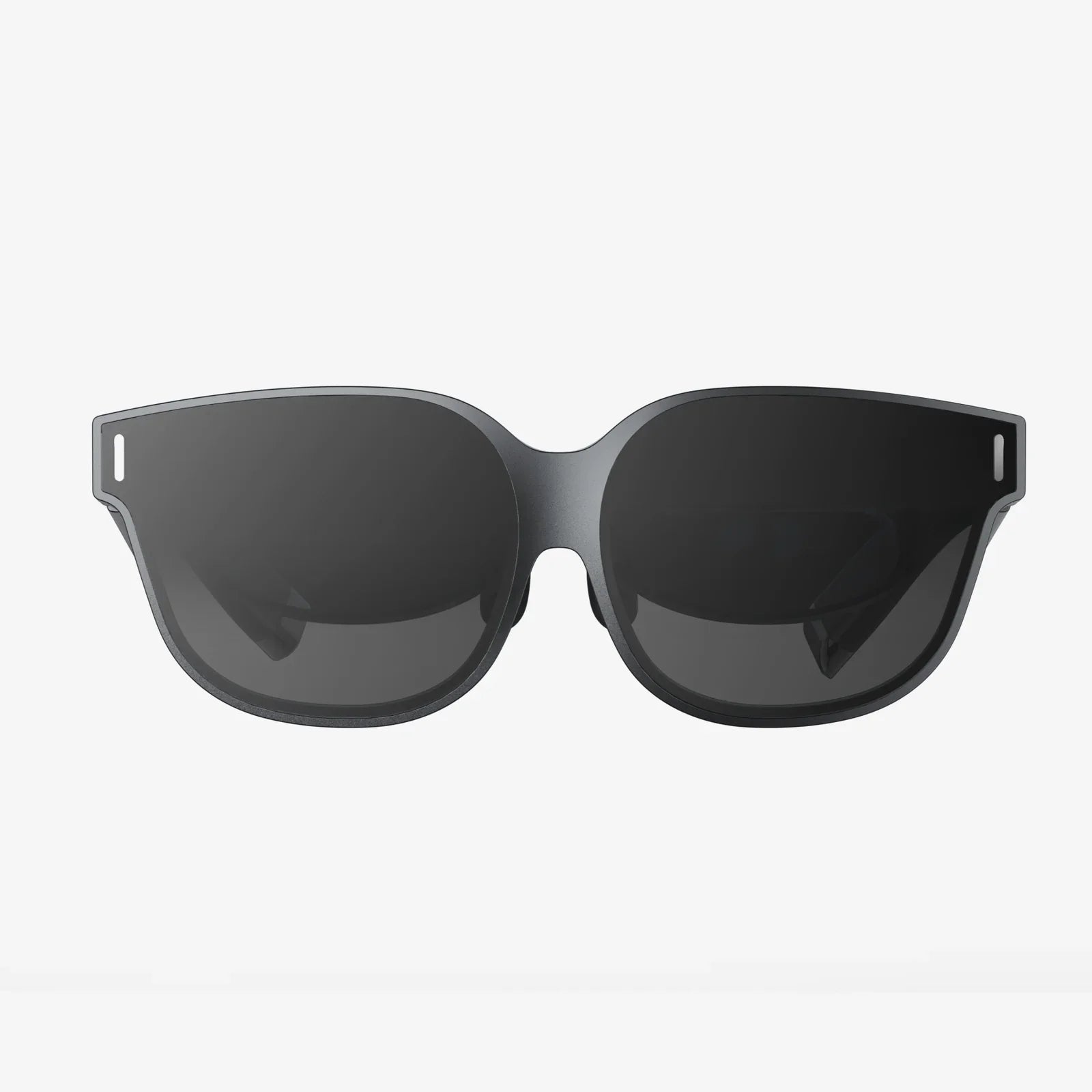
Imagine a place free from the ping of a random notification, the visual clutter of a messy desk, or the mental weight of a dozen half-finished projects. A sanctuary designed not by an interior decorator, but by you, for the sole purpose of unlocking your deepest focus and most creative potential. This is the promise, and the profound reality, of virtual workspaces for personal use. It’s more than a trend; it’s a fundamental shift in how we interact with our digital lives, offering a path to reclaim our attention and curate our cognitive environment. This isn't about where you work physically, but about architecting the digital realm where your mind truly resides.
The Genesis of a Digital Haven: Beyond the Physical Desk
For decades, the concept of a 'workspace' was intrinsically tied to a physical location: a corner office, a cubicle, a home desk. The digital revolution initially just digitized the tools on that desk—the typewriter became a word processor, the filing cabinet became a folder on a hard drive. However, the interface remained a chaotic single plane: one monitor, a labyrinth of open windows, and a taskbar cluttered with icons. We were trying to solve a multidimensional problem with a one-dimensional solution.
The rise of remote work acted as a catalyst, forcing millions to confront the inadequacies of their digital setups. But the real innovation is now trickling down to the individual. People are realizing that the same principles of organization and environmental design that apply to a corporate project can—and should—be applied to personal passion projects, deep learning, creative pursuits, and managing the complexities of modern life. A virtual workspace is the architectural blueprint for your attention. It’s a dedicated, customizable digital environment that can be tailored to a specific task, mood, or project, allowing for instantaneous context switching without the cognitive penalty of physical reorganization.
Deconstructing the Virtual Workspace: Core Components and Architecture
What exactly constitutes a virtual workspace? It's not merely having two browsers open. It's an intentionally crafted ecosystem built on several foundational pillars.
The Spatial Canvas: Multiple Desktops and Monitors
The most basic yet powerful feature is the multiple desktop environment, a native feature in most operating systems. Each desktop becomes a distinct room in your digital house. One could be for writing, with just a document editor and a research PDF open. Another could be for coding, with a development environment, terminal, and browser for testing. A third could be for communication, hosting email, messaging apps, and a calendar. The simple act of swiping between them creates a powerful psychological separation, telling your brain, "We are now in writing mode," or "Coding time is over." For those seeking even more immersion, leveraging multiple physical monitors can expand this canvas exponentially, creating a command center view for complex tasks.
The Tools of the Trade: Apps and Integrations
A space is defined by the tools within it. Virtual workspaces leverage a suite of applications to create a cohesive flow.
- Dedicated Workspace Applications: Several platforms exist solely to create and manage these environments. They allow you to save 'workspaces' or 'sessions'—pre-defined groups of applications, specific browser tabs, and even documents—that can be launched with a single click. This means your Saturday morning creative writing setup can be entirely different from your Tuesday evening financial planning setup, and you can jump between them instantly.
- Browser Power: Modern browsers are powerhouse workspace tools. Using tab groups, separate user profiles (e.g., a 'Work' profile and a 'Personal' profile), and extensions that save sessions, you can create powerful contextual environments without any other software. Opening your 'Research' browser profile instantly provides a clean slate with relevant bookmarks and no distracting social media cookies.
- Cloud Synchronization: The true magic happens when your workspace is untethered from a single machine. Cloud storage services ensure that the documents you need are available regardless of which desktop environment you're using or if you switch from a desktop computer to a laptop. Your environment becomes fluid and portable.
The Sensory Layer: Audio and Visual Customization
A workspace is more than just open programs; it's an atmosphere. This is where personalization reaches its peak.
- Audio Landscaping: Sound is a critical driver of focus. Many use ambient sound applications or websites to generate auditory environments like rainfall, a cozy coffee shop murmur, or deep space silence. These sounds mask distracting background noise and signal to the brain that it's time to concentrate. Curated playlists for specific types of work (e.g., instrumental for deep work, upbeat for administrative tasks) can further enhance this effect.
- Visual Themes: Customizing the visual look of your digital space—using dark modes for evening work, specific wallpapers for different desktops, or minimalist themes to reduce visual clutter—can significantly impact mental fatigue and aesthetic pleasure. A calming nature scene on your meditation and journaling desktop reinforces the intended use of that space.
The Psychology of Separation: Why Virtual Workspaces Are a Game-Changer
The benefits of this approach extend far beyond mere organization. They tap into fundamental principles of cognitive psychology.
Combating Context Switching and Attention Residue
Sophie Leroy, a professor at the University of Washington, coined the term "attention residue" to describe the negative cognitive effect of switching tasks. When you move from Task A to Task B, your attention doesn't immediately follow; a part of your mind remains stuck on the previous task, degrading your performance on the new one. The constant, chaotic switching between a essay, a social media tab, an email client, and a news site on a single screen creates massive attention residue. A virtual workspace mitigates this by creating clear boundaries. Closing a workspace dedicated to a project, or swiping away from its desktop, acts as a cognitive ritual, allowing you to mentally compartmentalize and move on more completely.
The Flow State Catalyst
Mihaly Csikszentmihalyi's concept of 'flow'—a state of complete immersion and focused motivation—is the holy grail of productivity. Reaching flow requires a clear goal, immediate feedback, and a balance between challenge and skill, but it also requires an environment free from interruptions. A well-designed virtual workspace is engineered to facilitate flow by eliminating the digital distractions that so easily pull us out of that precious state. It creates a bubble of focused intent.
Reducing Decision Fatigue and Cognitive Load
Every time you open your computer and see a cluttered desktop, a mess of tabs, and a overflowing download folder, you are forced to make micro-decisions: What do I work on? Where is that file? Which tab has my notes? This depletes a finite resource: your mental energy for decision-making. A pre-defined workspace eliminates this friction. You click a button, and everything you need for your next task is presented to you, pristine and organized. You conserve cognitive load for the work that actually matters.
Practical Applications: Building Your First Virtual Sanctuary
Convinced of the theory? Here’s how to start building your own. Start simple and scale up.
Step 1: Audit Your Digital Habits
Spend a day noting what causes distraction or friction. Do you constantly alt-tab between a document and a browser? Do notifications from a messaging app break your concentration? Does trying to find a file break your momentum? Your pain points will dictate your solutions.
Step 2: Leverage Native Tools First
Before investing in new software, master what you have. If you use a Windows PC, practice using Multiple Desktops (Win + Tab > New Desktop). On a Mac, use Mission Control to create and manage Spaces. Create your first three spaces: Deep Work, Administration, and Communication. Begin consciously moving applications to these spaces.
Step 3: Curate by Context, Not by Application
When designing a workspace, think about the goal, not the tool. Don’t just put "web browser" in every space. Instead, think: "For my 'Learn Spanish' workspace, I need a browser tab for my language app, a document for notes, and a music tab for Spanish podcasts." Save that specific group of browser tabs together.
Step 4: Introduce Advanced Elements Gradually
Once comfortable, explore dedicated workspace management applications that offer more power and persistence. Experiment with ambient noise apps to find what soundscape helps you focus. Use cloud storage to ensure your key project folders are always accessible across devices and workspaces.
The Future is Personalized: Where This Technology is Headed
We are merely at the dawn of virtual workspace evolution. The future points towards even more immersive and intelligent environments.
The integration of AI promises workspaces that are not static but dynamic and responsive. Imagine an AI assistant that proactively prepares your 'Morning Review' workspace at 9 AM, pulling up your calendar, your priority task list, and relevant news feeds. A workspace that learns your writing habits and automatically dims the lights and starts your focus playlist when you open your word processor. Furthermore, the line between physical and virtual will continue to blur with the adoption of VR and AR. Putting on a headset could instantly transport you to a virtual library, a minimalist zen garden, or a sci-fi command center, completely overriding your physical environment to create the ultimate deep work sanctuary.
This progression is not about escapism; it's about agency. It's about granting individuals the power to design the interfaces between their minds and their digital tools, optimizing for clarity, creativity, and calm in a world designed to pull them in a hundred different directions at once.
The potential is staggering—a future where your digital environment is as unique as your fingerprint, dynamically adapting to your goals and mental state. The journey begins not with a expensive gadget, but with a simple decision to stop accepting digital chaos as inevitable and to start architecting your own corner of the internet, a true sanctuary for your mind's best work.
Share:
AR Sample: The Revolutionary Bridge Between Digital Imagination and Physical Reality
Wearables Top AR Glasses: The Next Frontier in Personal Computing