


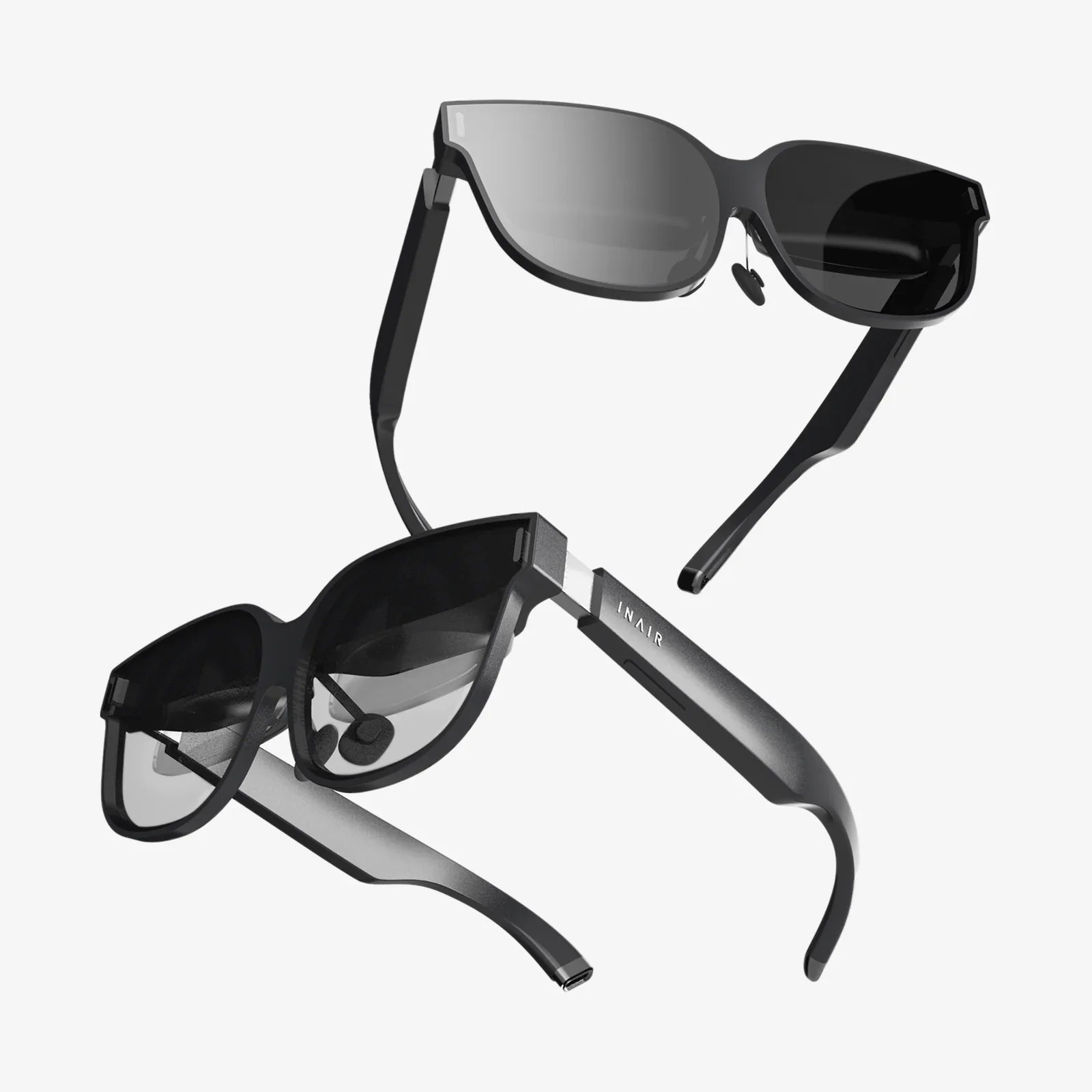
Imagine stepping into your computer. Not just looking at a screen, but being enveloped by your digital universe, with applications floating around you, data visualizations you can walk through, and a workspace limited only by your imagination. This is the promise, the sheer magic, of the VR desktop—a technological leap that is poised to redefine our relationship with computing forever. For decades, the paradigm of personal computing has been shackled to the rectangle. From the bulky CRT monitors of the 80s to the sleek, ultra-wide curved displays of today, the fundamental interface has remained a flat, framed window into the digital world. We've crammed more pixels into these frames, made them thinner and brighter, but the core concept has stayed stubbornly two-dimensional. The VR desktop shatters this paradigm, offering a glimpse into a future where our digital environments are as vast and three-dimensional as our physical ones. It’s more than an upgrade; it’s a revolution waiting to happen, and it’s already here.
Beyond the Screen: Defining the VR Desktop Experience
At its core, a VR desktop is a software environment that uses a virtual reality headset to create a simulated, immersive computer interface. Instead of a traditional monitor, users see their operating system, applications, games, and media projected within a virtual space. This is typically achieved through one of two methods: a direct passthrough of your physical computer's desktop or the creation of entirely new, native three-dimensional applications designed for VR.
The experience is transformative. You are no longer a spectator peering through a glass pane; you are an occupant within the data sphere. You can have a web browser open to your left, a coding environment to your right, a communication app hanging in front of you, and a movie playing on a massive virtual screen above—all without the physical constraints of multi-monitor setups. The headset's motion tracking allows you to simply turn your head or body to shift focus between tasks, creating a fluidity of workflow that is impossible with traditional setups.
The Engine Room: How VR Desktop Technology Works
The magic of a VR desktop is powered by a sophisticated blend of hardware and software working in concert. Understanding this interplay is key to appreciating the technology's capabilities and its current limitations.
The Hardware Trinity
The foundation of any VR desktop setup rests on three pillars:
- The Head-Mounted Display (HMD): This is your window into the virtual world. Modern HMDs feature high-resolution displays (often one per eye for stereoscopic 3D), precise inside-out or outside-in tracking systems to monitor your head movements, and integrated headphones for spatial audio. The quality of the lenses and the screen's pixel density, often measured in pixels-per-degree (PPD), directly impact the clarity of text and UI elements—a critical factor for productivity.
- The Host Computer: Rendering a complex, high-resolution 3D environment at a smooth 90 frames per second or higher is incredibly demanding. This requires a powerful computer with a robust graphics card, a capable processor, and ample RAM. The computer runs the VR desktop software and streams the visual output to the headset, either via a cable (DisplayPort/USB) or wirelessly.
- Input Devices: Interaction is what turns a panoramic view into a functional desktop. While some basic navigation can be done with VR controllers, for serious work, the integration of a physical Bluetooth keyboard and mouse is essential. Advanced systems can use the headset's cameras to passthrough a view of your real hands and keyboard, overlaying them onto the virtual environment to prevent disorientation and allow for seamless typing.
The Software Symphony
The software is the conductor, orchestrating the hardware to create a cohesive experience. Key software components include:
- Desktop Streaming & Emulation: Applications like the pioneering Virtual Desktop and others work by capturing the video output of your physical computer's GPU and transmitting it into the VR environment. They then emulate mouse and keyboard inputs from within VR back to the host PC, creating a seamless loop of control.
- Native VR Environments: Some platforms are building operating systems and applications designed from the ground up for VR. These are not just flat screens in space but fully 3D interfaces where you can manipulate objects, scale windows with a gesture, and interact with data in fundamentally new ways.
- Passthrough Technology: This feature uses the headset's external cameras to display a real-time video feed of your physical surroundings. It can be used in a full-color mode to create an augmented reality (AR) desktop, blending virtual screens with your real-world desk, or in a simpler black-and-white mode to quickly locate your keyboard or take a sip of coffee without removing the headset.
A Universe of Use Cases: Who is the VR Desktop For?
The applications for VR desktop computing are as diverse as the users who will adopt it. It's far more than a novelty for gamers.
The Power User and Multitasker
For data analysts, software developers, traders, and researchers, the ability to visualize complex information spatially is a game-changer. Imagine debugging code on one virtual screen while monitoring real-time log outputs on another, with a sprawling architecture diagram pinned to the virtual wall for reference. The context switching is intuitive and immediate, drastically reducing cognitive load compared to alt-tabbing between dozens of windows on a single monitor.
The Creative Professional
Artists, video editors, and 3D animators can benefit immensely. A video editor could have their timeline stretched across a wide virtual canvas, with source bins, effects panels, and the preview window arranged in an ergonomic semicircle. Digital sculptors can use their VR tools to create a model and then step back to view it at life-size from every angle, all within the same environment.
The Remote Worker and Digital Nomad
In an age of remote work, the VR desktop offers the ultimate portable office. Instead of being tethered to a physical desk, a user can don a headset anywhere and instantly be surrounded by their ideal, personalized productivity setup. It eliminates the need for multiple physical monitors and creates a deeply focused, distraction-free environment, effectively building a digital “deep work” cave on demand.
The Entertainment Enthusiast
For media consumption, the VR desktop is unparalleled. It allows you to project a virtual movie screen that feels 100 feet wide in your living room, play traditional PC games on a massive private IMAX, or even watch 360-degree videos and experiences as they were meant to be seen—with a true sense of presence and scale.
Navigating the Frontier: Challenges and Considerations
For all its promise, the VR desktop is not yet a perfect replacement for the traditional monitor. Several significant hurdles remain before it achieves mainstream adoption.
- Visual Fidelity and Comfort: Despite rapid improvements, the resolution of even the best headsets still falls short of the crisp, retina-level clarity of a modern 4K monitor. This can lead to eye strain during long periods of reading text. Furthermore, the form factor and weight of headsets can cause fatigue, and some users never fully adapt to the sensation of wearing them for hours on end.
- The Social Isolation Problem: Being completely immersed in a virtual world cuts you off from your physical environment and the people in it. This is a significant barrier for collaborative office settings or home environments where awareness of one's surroundings is important.
- Input and Ergonomics: While keyboard and mouse integration is improving, it's not yet as instinctive as using them on a physical desk. There can be a slight latency or a feeling of disconnection when your real hands are visible in a virtual world. Prolonged use without proper ergonomic consideration for neck and posture could also pose issues.
- High Barrier to Entry: A quality VR headset combined with the high-end PC required to run it smoothly represents a substantial financial investment, placing it out of reach for many casual users.
The Horizon: What Does the Future Hold?
The trajectory of VR desktop technology is incredibly exciting. We are moving rapidly toward a future where the current limitations are rendered obsolete. We can expect headsets to become lighter, more comfortable, and with resolutions so high that screen-door effect becomes a distant memory. The line between VR and AR will blur, allowing for mixed reality workspaces that seamlessly blend holographic virtual screens with your physical desk, colleagues, and tools.
Advancements in neural interfaces and eye-tracking will enable more intuitive control, allowing you to focus on a window to select it or use subtle gestures to manipulate data. Cloud rendering services could offload the heavy computational lifting, allowing lightweight, standalone headsets to deliver powerful desktop experiences without a nearby computer. Ultimately, the VR desktop is a stepping stone toward the concept of the "metaverse"—a persistent, shared virtual space that becomes a primary venue for work, social interaction, and play.
The revolution will not be televised on a flat screen; it will be experienced in a boundless, immersive dimension. The VR desktop is the key that unlocks this door, offering a profound shift from simply using a computer to inhabiting it. While the path to ubiquity is long and fraught with technical challenges, the destination—a world of infinite, personalized, and spatially-aware computing—is no longer a fantasy. It is an inevitability, and it’s starting right here, right now, on the virtual desks of early adopters who are already working in the future.
Share:
Best VR Set Up: The Ultimate Guide to Building Your Perfect Virtual Reality System
Tech Wearables Are Redefining the Human Experience, One Sensor at a Time